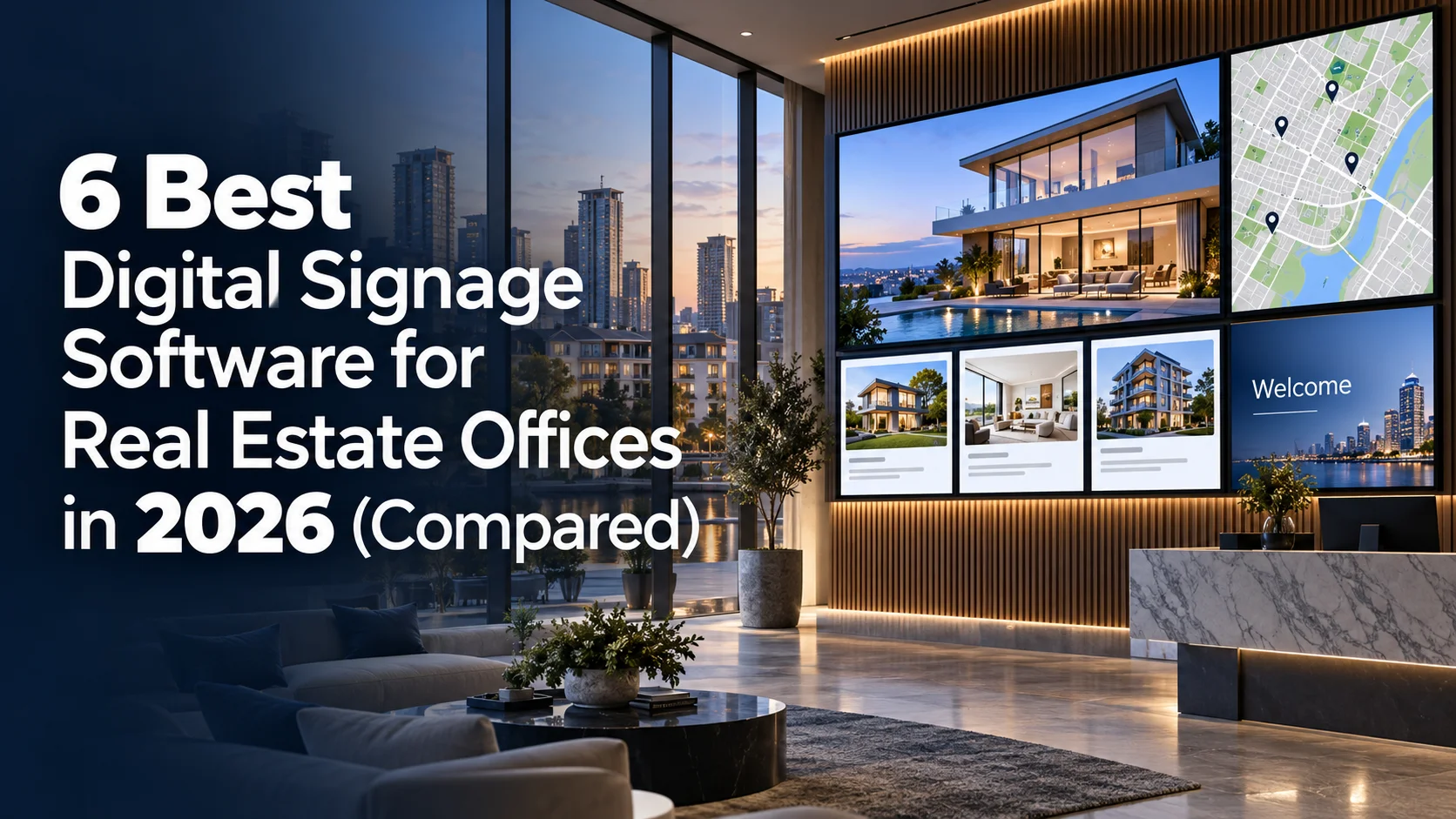
A real estate office runs on listings that change daily: a new listing goes live, a price drops, a home goes under contract, another one closes. That pace is where screens tend to fall behind. Real estate screens show content a median of 26.2 days old, one of the stalest figures of any industry and well above the 16.8-day all-industry median (State of Digital Signage 2026, Kitcast). A window display still promoting a home that already sold tells a walk-in buyer more than any agent can walk back.
We compared these tools on what matters to a real estate office: how fast staff can update a listing, whether it works on the screens you already own, how much it costs, how well it runs in a 24/7 window, and whether one dashboard can handle several offices.
Disclosure: Kitcast makes digital signage software. This comparison uses published pricing and features verified in September 2026, including where competitors beat us.
Comparison Table: Real Estate Digital Signage Software at a Glance
| Software | Best for | Apple TV app | Free option | Starting price (annual) |
|---|---|---|---|---|
| Kitcast | Apple TV fleets, multi-office brokerages, teams without IT | Yes | 14-day trial, no credit card | $7/screen/mo |
| Yodeck | Single-office lobby or window screen on a budget | No | Free forever, 1 screen | $8/screen/mo |
| Rise Vision | Calendar-driven open house and event boards | Limited, no screen-sharing | Free plan (1 display) | ~$10 to $11/screen/mo |
| OptiSigns | Mixed consumer hardware already on hand | Yes, limited functionality | Yes, 3 screens (1 GB storage, OptiSigns branding) | $10/screen/mo |
| NoviSign | Custom free-form listing and welcome layouts | No | None | $14/screen/mo |
| ScreenCloud | Large franchise brokerages with staff comms needs | No | None | $20/screen/mo |
Pricing verified September 2026; plans change, so confirm current rates with each vendor.
What should real estate digital signage software do?
Real estate screens carry a specific mix: featured listings with photos and prices at the window, an agent spotlight rotation in the lobby, open house promotions with a QR code, local market stats, client testimonials, and branded office content. Behind the desk, agent workspaces run team leaderboards and recent closings.
The software's job is to keep that mix current for the people who run it, which in most offices means an office manager or the agents themselves, not an IT department.
Look for four things: templates a non-designer can edit, scheduling that automatically expires a listing the day it closes and activates a new campaign on its launch date, role-based access so an agent can update listings without touching brokerage branding, and offline playback so a Wi-Fi drop does not turn the window display black. Multi-office brokerages add a fifth: one dashboard with per-office editing rights.
What are the examples of real estate office digital signage?
Most offices start with one screen, usually the window or the lobby, and grow into several as they find new places a display earns its keep. The most popular uses:
- Window and street-facing displays: the featured-listing reel and open house dates facing the sidewalk, working as a 24/7 marketing asset after hours.
- Lobby and reception welcome screens are a first-thing-you-see display with featured properties, agent spotlights, and office branding.
- Featured listing carousels show property photos, price, bedrooms, and square footage, paired with a QR code to the full listing or a virtual tour.
- Just listed, under contract, and just sold slides provide fast status updates that show the office is active and moving inventory.
- Agent spotlights and team leaderboards rotating agent photos, credentials, and recent sales that build trust before the first conversation.
- Open house and event promotions: upcoming open houses, new development launches, and seasonal campaigns scheduled to activate and expire on the right dates.
- Local market data and financing info: neighborhood price trends and mortgage rate updates that position the office as the local authority.
- Client testimonials and reviews, recent closings, and social proof shown tastefully in the waiting area.
- Video tours and property media walkthroughs, drone footage, and development renderings on lobby and showroom screens.
- Meeting and consultation room screens listing presentations, market analysis, and property comparisons for buyer meetings.
The common thread is that most of this changes weekly or daily, which is why the software that runs it has to be editable by a staff member in minutes, rather than being a redesign job.
1. Kitcast
Best for: Real estate offices running Apple TVs, teams without dedicated IT, and multi-office brokerages.
Kitcast runs natively on nine platforms: Apple TV, Android TV, Fire TV, BrightSign, Samsung Tizen, LG webOS, macOS, iOS, and any web browser. It shipped the first digital signage app on the Apple TV App Store in October 2015, which matters here because many offices already own Apple TVs or smart TVs, so you won't have to spend more on hardware. Content is cached locally on every plan, and displays keep playing through outages. It's a great, easy-to-use solution for any kind of real estate office.
For the listing cycle, there are 500+ templates, AI content generation, a Canva integration, and scheduling with dayparting, so a sold property can expire on its close date while a new campaign activates on launch day. Role-based access lets an agent or office manager update listings while brokerage marketing keeps control of branding, and multi-office management puts every location in one dashboard. There is a dedicated real estate digital signage page covering the setup in detail. Capterra rating: 4.5.
Honest weakness: no free tier. Pricing starts at $7/screen/month (Pro at $10 adds SSO, SCIM, REST API, and audit logs), with a 14-day trial and no credit card required.
2. Yodeck
Best for: Small offices that need a single window or lobby screen.
If your entire signage plan is one window or lobby TV, Yodeck's free-forever one-screen plan is hard to argue with, and it is a strong option for a small office rather than a stripped-down teaser. Paid plans start at $8/screen/month annually with a free Raspberry Pi player on annual billing, and the template library runs to 800+. Ratings are excellent: G2 4.7, Capterra 4.8. When you outgrow that single screen, our Yodeck alternative comparison shows where the pricing lines cross.
Honest weakness: advanced scheduling, the feature that automates the business-hours versus after-hours window content, starts on the $12 tier, and there is no Apple TV support, so offices with Apple TVs on hand will need different player hardware.
3. Rise Vision
Best for: Calendar-driven open house and event schedule boards.
Rise Vision's calendar-first design suits the most schedule-heavy content an office runs, such as open house times and recurring events, with 750+ templates and offline playback included on the Basic plan. Pricing is published at about $11 per display per month, and yearly billing saves roughly 9 percent, with per-school and screen-sharing plans by quote. There is also a free plan for a single display. G2 rating: 4.7 across 937 reviews.
Honest weakness: the product is built for K-12 schools first, so offices will find the scheduling tools familiar but nothing real-estate-specific.
4. OptiSigns
Best for: Offices with a mixed bag of consumer hardware already on hand.
OptiSigns starts at $10/screen/month on annual billing (Standard), with broad consumer-hardware support and a template library, a practical fit if your screens are a patchwork of different TVs and streaming devices. There is also a free plan for up to three screens with 1 GB storage and OptiSigns branding. G2 rating: 4.7 across 3,267 reviews (seller-reported aggregate). The full OptiSigns alternative breakdown compares template libraries, hardware, and per-screen cost.
Honest weakness: nothing in the product targets real estate specifically, and features an office often wants, such as advanced roles, approval workflows, and a branded portal, sit on the pricier Pro tier at $12.50 per screen.
5. NoviSign
Best for: Custom free-form listing and welcome layouts.
NoviSign offers 500+ templates and free-form drag-and-drop layouts, which suits offices that want a window or welcome screen designed to their own vision rather than assembled from fixed zones. Capterra rating: 4.9 across 118 reviews.
Honest weakness: at $14/screen/month (Business Plus at $17, Premium at $25) it is double Kitcast's entry price, a real stretch for a single-office budget, and there is no Apple TV app.
6. ScreenCloud
Best for: Large franchise brokerages running staff communications alongside client-facing screens.
ScreenCloud positions for enterprise internal communications, a fit mainly for very large brokerages or franchise head offices that treat signage as a staff comms platform as much as a client-facing one. For most offices, the comparison comes down to price and simplicity, so see our ScreenCloud alternative breakdown.
Honest weakness: at $20/screen/month (Core, billed annually, with Pro at $30) it costs two to three times more than most alternatives here, with no Apple TV or Raspberry Pi support listed, a hard sell for a budget-sensitive office.
Keeping real estate screens fresh
Here is the honest picture from the fleet data: real estate screens show content a median of 26.2 days old (State of Digital Signage 2026, Kitcast), one of the stalest figures of any industry. For a listings business, 26.2 days means sold homes still on the window, prices that already changed, and open houses that already happened.
The fix is software that fits how an office actually staffs this. Give one or two staff members limited editing access, set listings to expire on their close date so the screen cleans itself, and keep a template per content type (featured listing, agent spotlight, open house, testimonials) so a weekly update means swapping text and a photo.
If the person updating the screen is an agent between showings, the tool has to be learnable in one sitting. Full fleet data is in the digital signage statistics report.
How much does real estate digital signage cost?
Across the industry, the most common software budget is $11 to $20 per screen per month (survey of 515 operators, State of Digital Signage 2026, Kitcast), and a small office can land under that. On this list, entry pricing runs from Yodeck's free single-screen plan through $7 to $14 per screen (Kitcast, Yodeck, OptiSigns, Rise Vision, NoviSign) up to $20 (ScreenCloud).
Hardware is often the smallest line item: any TV with an HDMI port works with a small media player, and the Apple TVs many offices already own run Kitcast natively with nothing extra to buy. For a full breakdown of software, hardware, and installation, see the digital signage cost guide; if the budget is genuinely zero to start, the best free digital signage software roundup covers the trade-offs.
FAQ
What is the best digital signage software for real estate offices?
For most brokerages, Kitcast: a native Apple TV app plus eight other platforms, offline playback on every plan, role-based access for agents and office staff, and multi-office management from $7 per screen per month. Yodeck is the budget pick for a single window or lobby screen, thanks to its free-forever one-screen plan.
Can a real estate office use the TVs and Apple TVs it already owns?
Usually yes. Any TV with an HDMI port works with a small media player, and Apple TVs already in the office can run Kitcast natively, so those screens need no new hardware.
Is there free digital signage software for real estate offices?
Yodeck offers a free-forever plan for one screen, which covers a small office's single window or lobby TV. Kitcast has no free tier but offers a 14-day trial with no credit card. For a wider look at free options and their limits, see the free digital signage software roundup.
How do agents and office staff keep listings updated?
Choose software with a simple editor and role-based access. An office manager or agent updates listings and open house slides from a browser or phone, while brokerage marketing keeps control of branding and layouts. With reusable templates, a listing change becomes a few minutes of edits rather than a design task.
Does real estate digital signage work without internet?
Platforms with offline playback cache content locally on the player, so screens keep running through Wi-Fi drops and sync when the connection returns. Kitcast includes offline playback on every plan, and Rise Vision includes it on its Basic plan.
Can one brokerage manage screens across multiple offices?
Yes, with software built for multi-office management. Kitcast puts every office in one dashboard, so corporate marketing can push brand content to all locations while each office manages its own listings and agent profiles.
How much does digital signage cost for a real estate office with 3 screens?
Software runs roughly $21 to $60 per month depending on the platform ($7 to $20 per screen on this list), and the most common budget across the industry is $11 to $20 per screen per month. If the office already owns Apple TVs or smart TVs, hardware cost for those screens can be zero.
Getting started
Start with the screen clients see first, the window or the lobby, on hardware you already own. Load a featured-listings template, set sold properties to expire on their close date, and hand editing access to one office manager. See how Kitcast works for real estate offices.
Internal Communications Digital Signage: Strategy, Content Ideas & Examples (2026)
6 Best Digital Signage Software for Education in 2026 (Compared)