Digital signage software
built for speed and control.

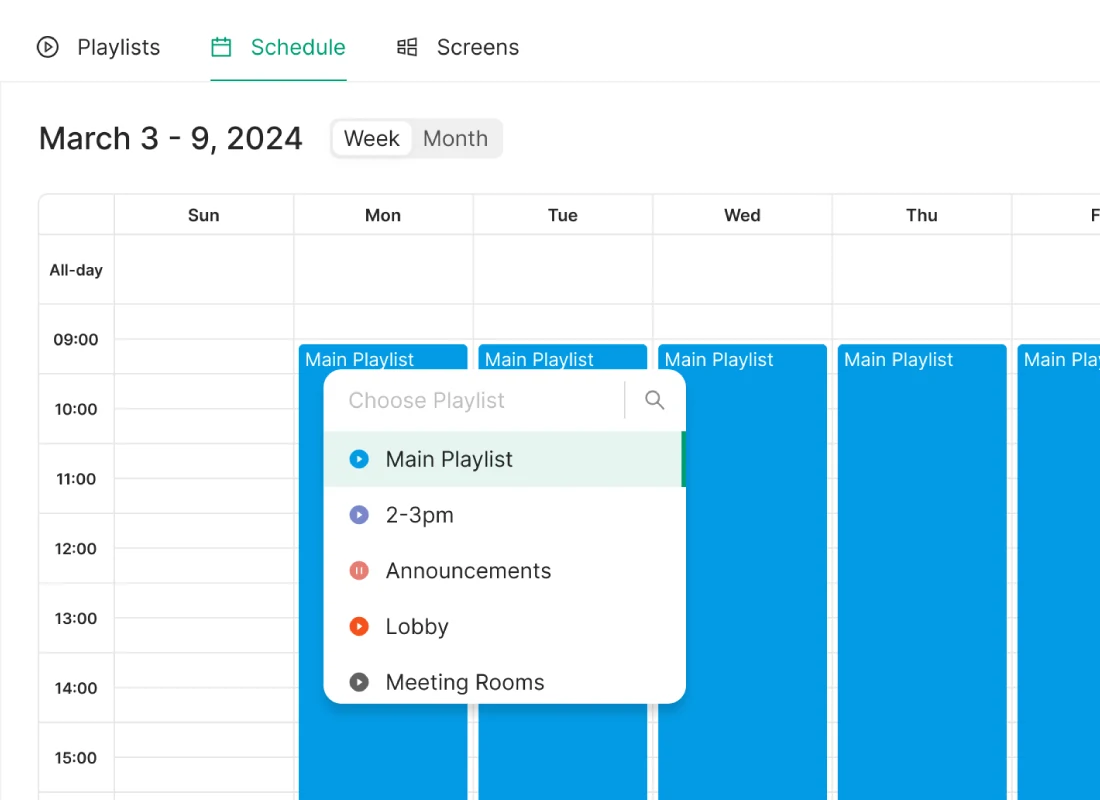
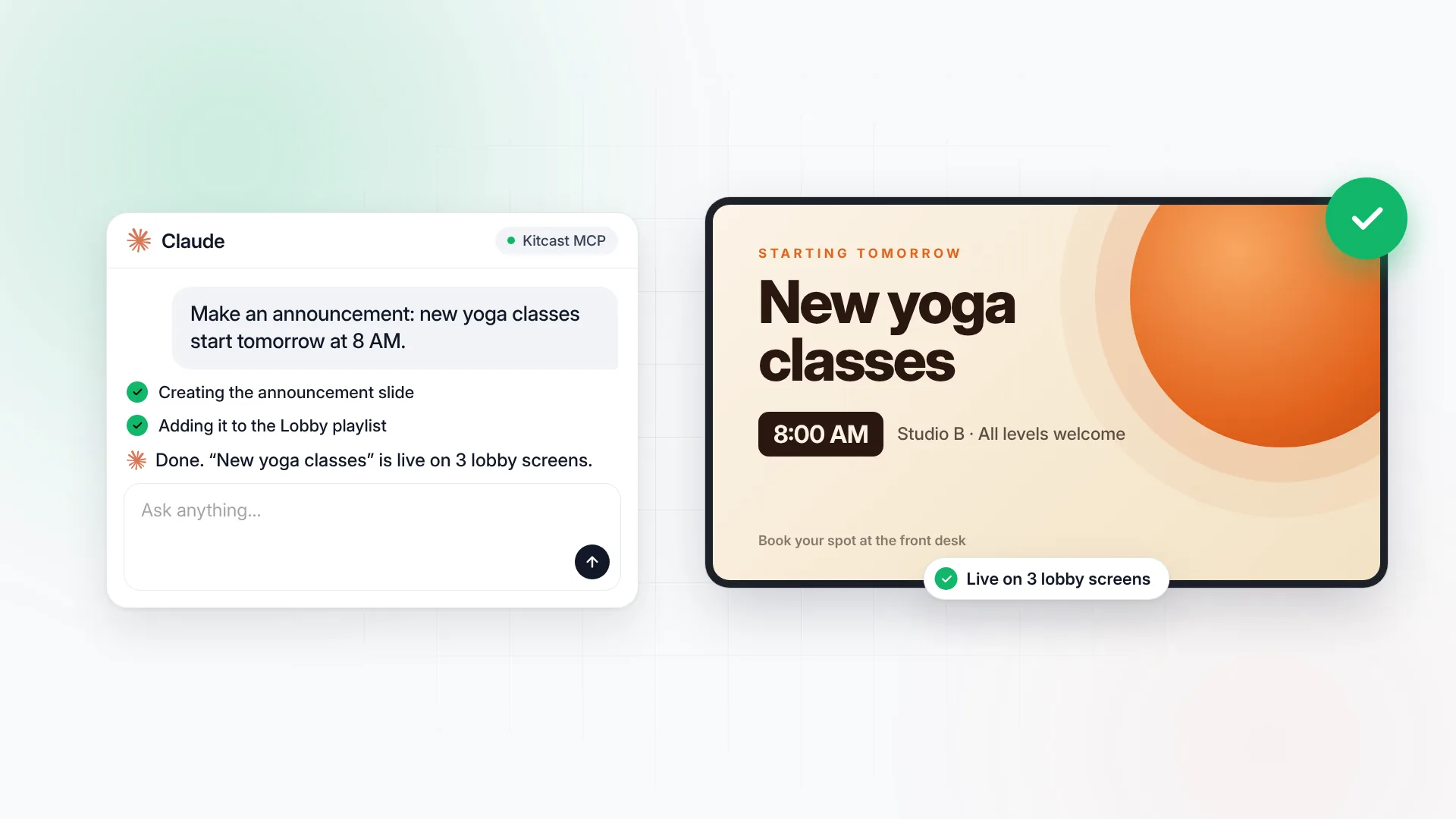
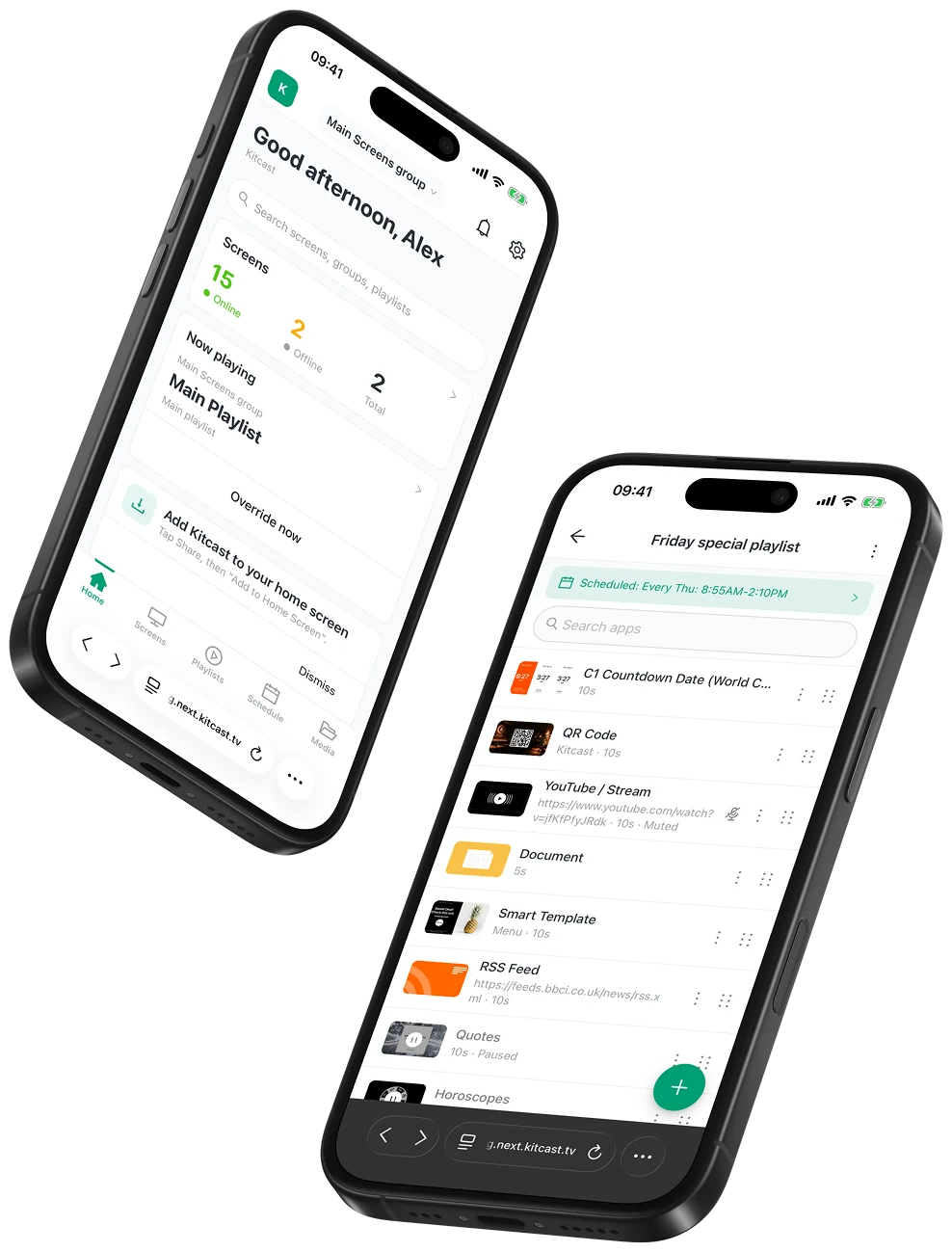
Share content on your screens in minutes, update in seconds, and keep screens running 24/7 at scale — faster than ever.

No credit card • Setup in minutes

Why teams switch to Kitcast

Most signage breaks quietly until it becomes a problem, costing teams time, consistency, and trust. Kitcast keeps screens live, updates fast, and control clear, while keeping governance simple.

Why teams switch to Kitcast

Digital signage software for every industry

Smarter digital signage starts here, whether you manage a single screen or a global fleet.

digital signage for education
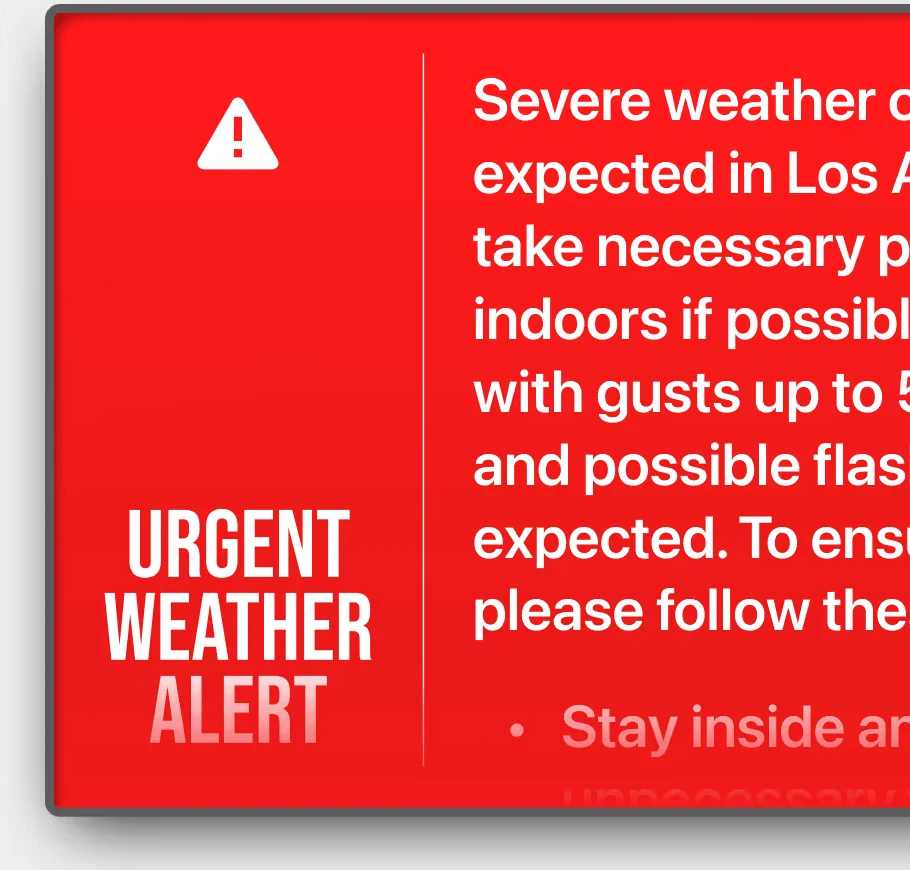
Digital signage for K-12 schools, school districts, and universities. Native Apple TV support, emergency alerts, MDM integration, and EDU pricing
Customers
church digital signage
Inspire and inform your congregation. Use Kitcast’s digital signage CMS to share worship schedules, announcements, and multimedia content on any screen in your church or temple.
Customers
retail digital signage
Convert foot traffic into sales with high-impact screens. Kitcast offers a powerful retail digital signage platform to showcase promotions, product videos, and brand stories.
Customers
corporate communications digital signage
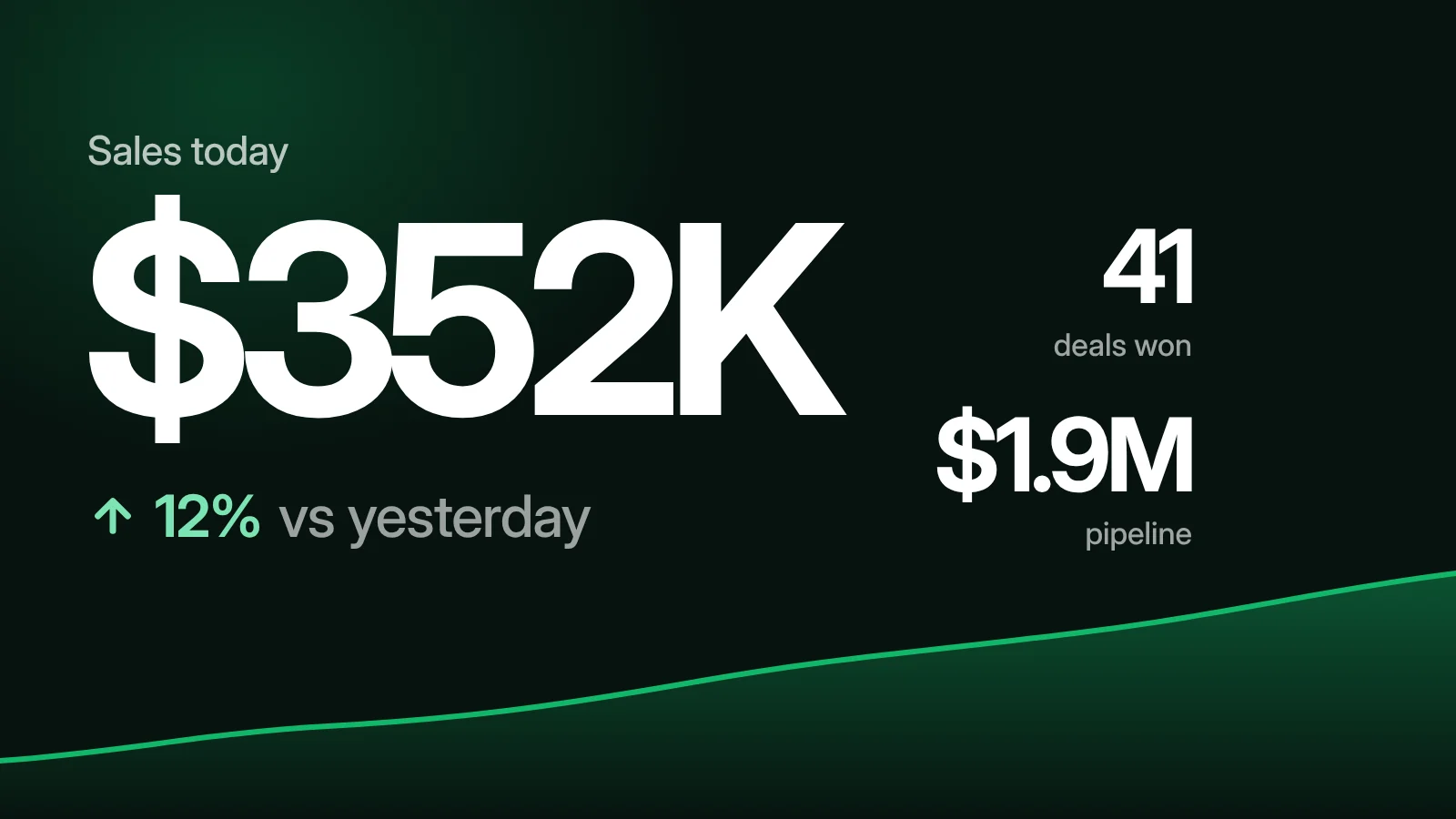
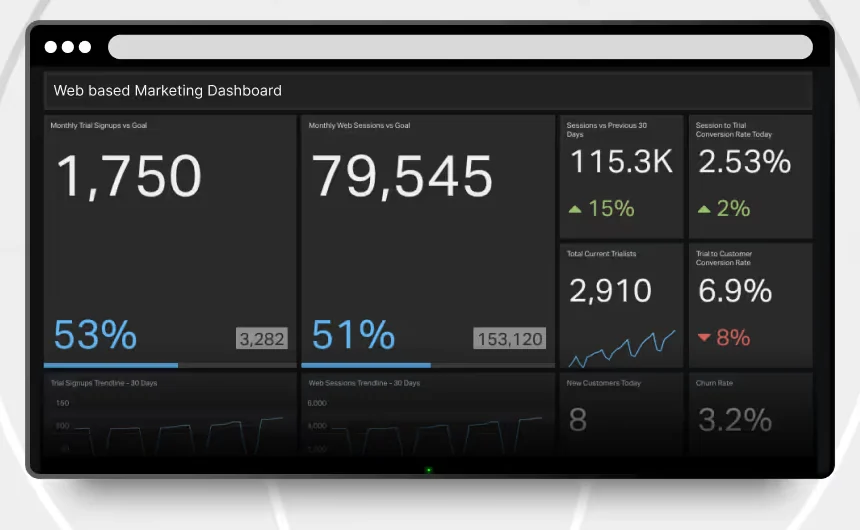
Improve employee engagement and streamline communication with enterprise-grade digital signage software. Display updates, KPIs, and company news across offices and breakrooms.
Customers
healthcare digital signage
Create a calm and professional experience for patients and staff. Use cloud digital signage for hospitals and clinics to display check-in instructions, wait times, and health tips.
Customers
gym digital signage
Motivate members and boost retention with gym digital signage. Display class schedules, promos, and wellness tips on screens that energize your space.
Customers

How it works.

Plug-and-play setup. Go live in minutes.

  1. 1

    Choose your hardware

    Apple TV, Android, Fire TV, Smart TVs, or just launch the Kitcast web player — no hardware required.

  2. 2

    Install the Kitcast App

    Download Kitcast from your device's app store. Zero-touch and mass deployment available.

  3. 3

    Launch and connect

    Open the app, follow the on-screen steps, and start publishing.

Works with your hardware

  • Apple TV
  • Android TV
  • Fire TV
  • BrightSign
  • Chrome OS
  • Samsung · LG
  • iOS
  • Mac mini

Install the Kitcast App and
connect your screen

Screens
  • Lobby DisplayOnline · Floor 1
Your pairing code ZY94GC Go to Kitcast dashboard · Add screen · Enter Code

Add your screen

Enter the code shown on your display

Screen added

Your display is now connected to Kitcast

Template library

500+ ready-to-use digital signage templates

From restaurant menu boards and lobby welcome screens to office dashboards, emergency alerts, real estate listings, and school announcements — pick a professionally designed template and customize it in your browser in minutes. No design skills required.

Kitcast template library — 500+ ready-to-use digital signage templates organized by category

18 categories · 500+ templates

Menu boards Restaurants Food & cafes Hotels & travels Nightlife venues Corporate communications Office dashboards Emergency alerts K-12 schools Higher education Healthcare & wellness Real estate listings Banks & financial services Sales promotions Shopping & retail Automotive dealerships Sports & fitness Active lifestyle Holidays & seasonal
Browse all templates — start free

14-day free trial · no credit card required

Security & Compliance

We keep your content and data secure, so nothing interrupts your screens.

24/7

Data stored in secure AWS data centers

24/7

24/7/365 security monitoring

24/7

Multi-factor
authentication

24/7

World-class server infrastructure

24/7

SSL encryption

24/7

Compliance with
SOX and GDPR

What our clients say

Kitcast digital signage example 1
The user interface is very well laid out, it's very well explained and essentially easy to use. If I were to define Kitcast in three words I would use: simple, reliable, and elegant.

Chase Hentges

Creative Director

It simplifies things.

Danielle Sewell

Director of Marketing and Communications

Kitcast's client 1
There were several other products, but none of them had the right combination of features that I needed. And Kitcast did.

Johan Everstijn

Owner, Cider Press Cafe

No credit card • Setup in minutes

How Kitcast compares

Built different from browser-only signage tools and legacy platforms.

SINCE 2015

Native Apple TV app

Kitcast has offered a native tvOS app since 2015. Some major competitors still do not support Apple TV, while others support it with limitations.

9 PLATFORMS

More screen types supported

Apple TV, Android, Fire TV, BrightSign, LG, Samsung, ChromeOS, macOS, and iOS.

ALWAYS ON

Fully cached offline playback

Content cached locally on every device. Screens keep playing even when the network goes down.

FROM $10/MO

SSO, API & audit log included

SSO, API, and audit log are included in Pro. On many platforms, these features are reserved for higher-priced plans.

ALL PLANS

24/7 human support

Live support is available across plans, not only for enterprise accounts.

ONE DASHBOARD

Centralized multi-location management

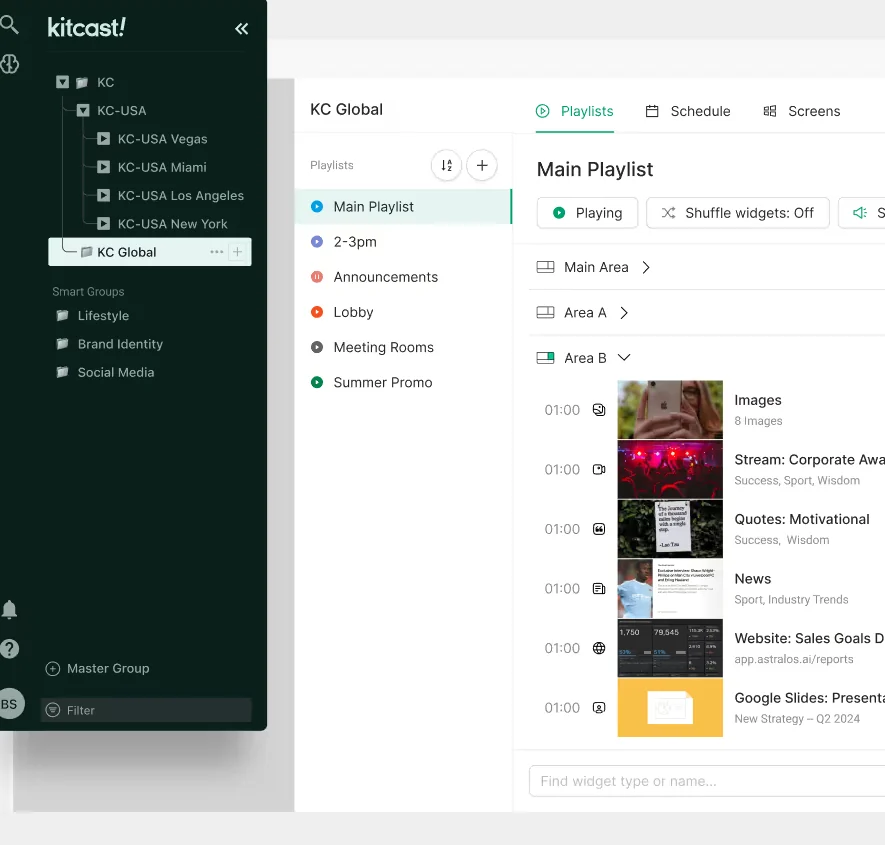
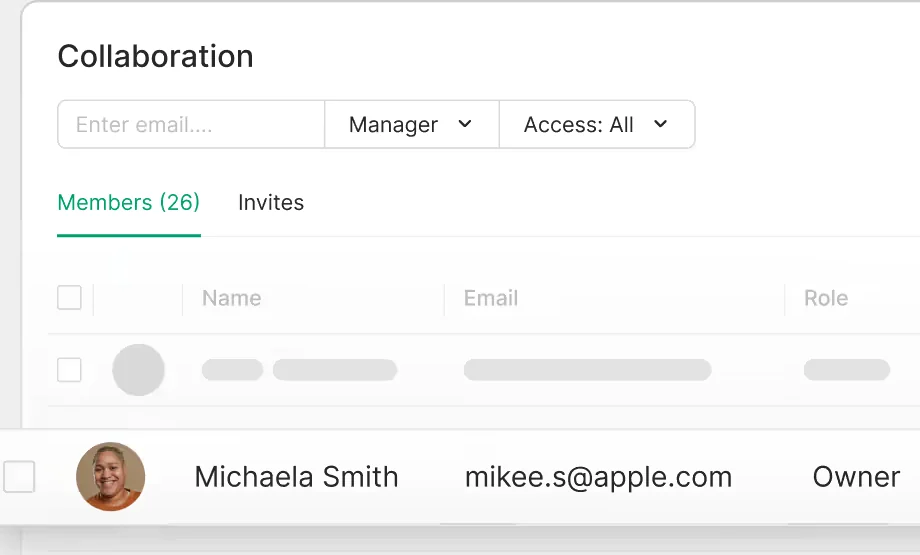
Manage screens across offices, stores, campuses, and venues from one place with role-based control by team or location.

Trusted. Recognized. Awarded.

Red Dot Award
in Brands & Communication Design
Red Dot for Kitcast
Best of the Show Award
Infocomm
Infocomm Award for Kitcast
Best New Product Award
Best of DSE Awards by rave pubs
DSE Best New Product Award for Kitcast
Best of the show ISE
in the “Digital Signage” category
ISW Award for Kitcast

Reduce digital signage overhead from day one

digital signage for IT

24/7 live support

Built around how you work, Kitcast reduces signage overhead from day one. 24/7 live support is always available.

enterprice digital signage

Enterprise-ready.
IT-approved.

SSO, SCIM, audit logs, MDM, and zero-touch deployment for secure rollouts. Assigned CSM, priority SLAs, and guided onboarding to get you live fast and keep you running 24/7.

Trusted by 10,000+ companies in 170+ countries

Real reviews from Capterra

It's about time somebody solved this problem for AppleTVs. Simple, easy-to-use solution that works with Apple TV. Really nice graphics and prepackaged templates.

RL
Robert L.
Senior Director, Computer Software

I really like how easy it is to use Kitcast for managing our information on our various TVs. Overall I am very pleased and glad we made the decision to use it.

TT
Trey T.
Director of Technology, Education

The helpdesk are brilliant — always on hand with quick, helpful responses. Extremely versatile, and the Kitcast team help with enhancements like Power BI. We've used it for years.

MR
Max R.
Cyber & Workplace Specialist, Machinery

Ease of use, setup, and value for money were key to our choice. The user interface is easy to use and understand, and the support is quick to respond.

TM
Tyler M.
Director of Technology, Education

Cut the signage busywork. Stay live, stay in control

     Turn strategy into execution across every screen, without the overhead.

No credit card • Setup in minutes
What is Kitcast digital signage software

What is Kitcast?

Kitcast is cloud-based digital signage software that helps teams manage screens across Apple TV, Amazon Fire TV, Android TV, BrightSign, Samsung, LG, ChromeOS, macOS, and more. Built for fast publishing, centralized control, and dependable multi-location rollout — starting from $7/screen/month.

What is digital signage software?

Digital signage software helps teams manage content across TVs and commercial displays from one dashboard. It is used for internal communications, menu boards, wayfinding, promotions, dashboards, and waiting room screens.

Internal communications

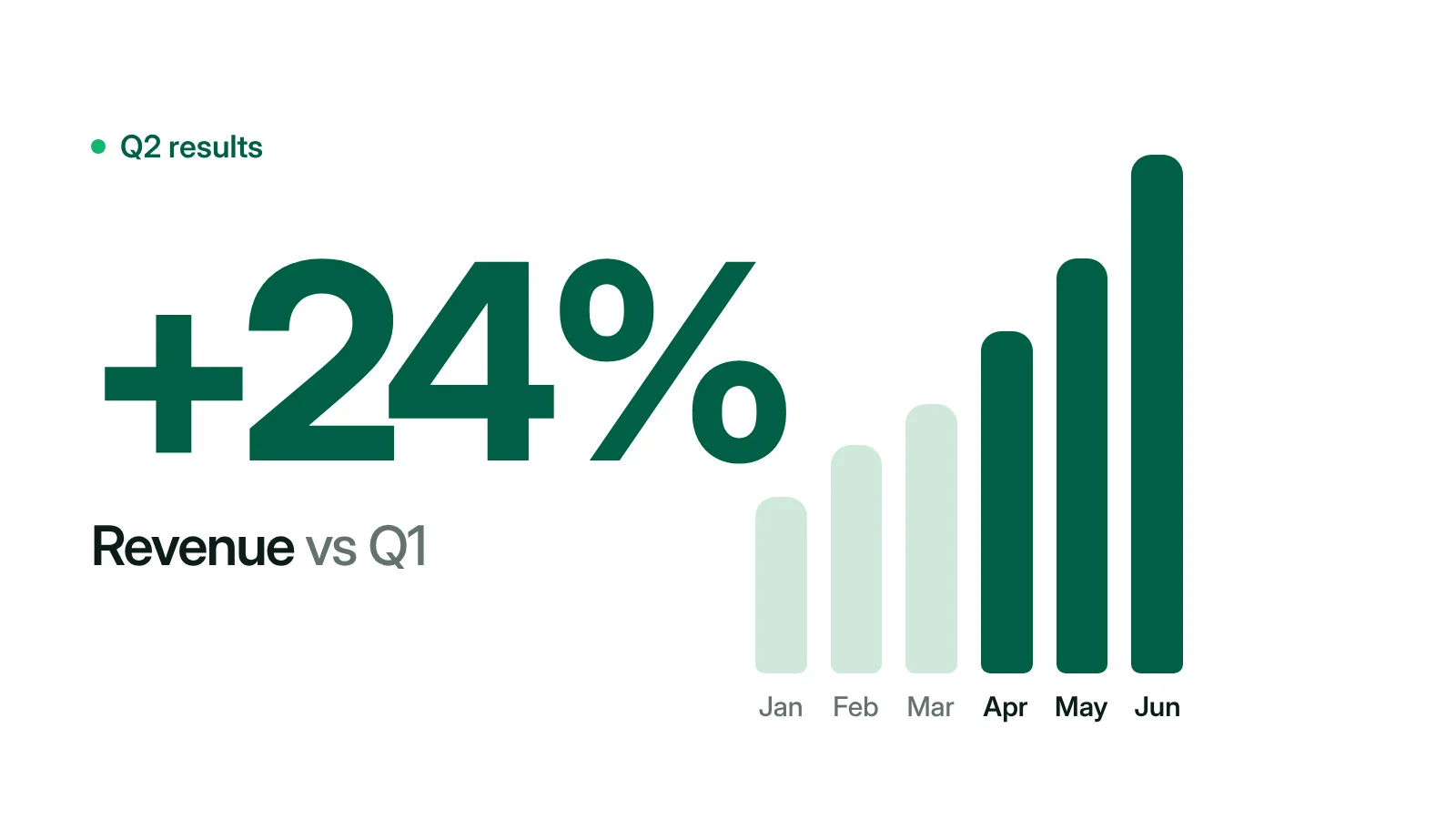
Company news, KPIs, and employee updates across offices and breakrooms

Digital menu boards

Menus, pricing, and daily specials for restaurants and cafeterias

Wayfinding & visitor info

Directories, maps, and welcome screens for campuses and buildings

Dashboards & promotions

KPI screens, retail promos, and waiting room content

Frequently asked questions

Everything you need to know about Kitcast digital signage software.

How does digital signage software work?

Digital signage works through three components: a display (any commercial TV or smart screen), a media player (a small device like Apple TV, Android TV, Fire TV, or BrightSign — or the screen's built-in OS), and content management software (CMS). You design content in the CMS, schedule when it plays, and the player pulls content from the cloud, caches it locally, and renders it on the screen. The CMS handles updates, monitoring, and user permissions remotely from one dashboard.

Does Kitcast work on Apple TV?

Yes. Kitcast was the first digital signage app on the Apple TV App Store, launching in October 2015 from a pre-release Apple dev kit. The Kitcast tvOS app supports zero-touch deployment through Jamf, Mosyle, and Kandji, single-app mode, full offline playback, and centralized device management. Apple TV pairs with Kitcast in under five minutes — install the app, enter the pairing code from your dashboard, and start publishing.

What hardware do I need for digital signage?

Kitcast runs on most commercial-grade and consumer hardware, so you can use what you already have. Supported devices include Apple TV (tvOS), Amazon Fire TV, Android TV boxes, BrightSign players, Samsung Tizen smart TVs, LG webOS smart TVs, ChromeOS devices, macOS, iOS, and any web browser. No special hardware is required — if you already own an Apple TV, Fire TV Stick, or recent smart TV, you can start signing in minutes.

Does Kitcast work offline?

Yes. Kitcast caches all content locally on every device, so screens keep playing even when the network goes down. As soon as connectivity returns, the device syncs schedule changes and content updates automatically. This is built into every plan, not a Pro-only feature, and it works on all supported platforms including Apple TV, Fire TV, Android TV, and BrightSign.

How much does Kitcast cost?

Kitcast starts at $7 per screen per month on the Starter plan, billed annually. The Pro plan is $10 per screen per month and adds SSO, SCIM provisioning, MDM integration (Jamf, Mosyle, Kandji), REST API access, and audit log. Enterprise pricing is custom for large deployments with dedicated support and SLAs. All plans include 24/7 live human support, multi-location management, and a 14-day free trial with no credit card required.

Does Kitcast offer a free trial?

Yes. Kitcast offers a 14-day free trial with full access to Pro features and no credit card required. You can install Kitcast on Apple TV, Android, Fire TV, BrightSign, or use the web player — sign up, install the app on your screen, enter the pairing code from your dashboard, and start publishing in minutes. There is no contract requirement and you can keep using your devices after the trial.

How is Kitcast different from other digital signage software?

Kitcast is the only digital signage platform with a native Apple TV app available on the App Store since launch day in October 2015. It runs on nine platforms, includes enterprise features like SSO, SCIM, MDM integration, and REST API on the Pro plan at $10 per screen per month — features that competitors like ScreenCloud reserve for their Enterprise tier. Kitcast also includes 24/7 live human support across all plans and fully cached offline playback on every device.