A digital signage use case is the job a screen does. The most common digital signage use cases are:
Each page below shows real layouts, what you need to set it up and what it costs. All of them run on the same Kitcast account, on the TVs and players you already have.
Choose
Start from what the screen should do, not from the industry. Most organizations combine several of these on the same screens.
| If you want to… | Use case | Typical places | What plays |
|---|---|---|---|
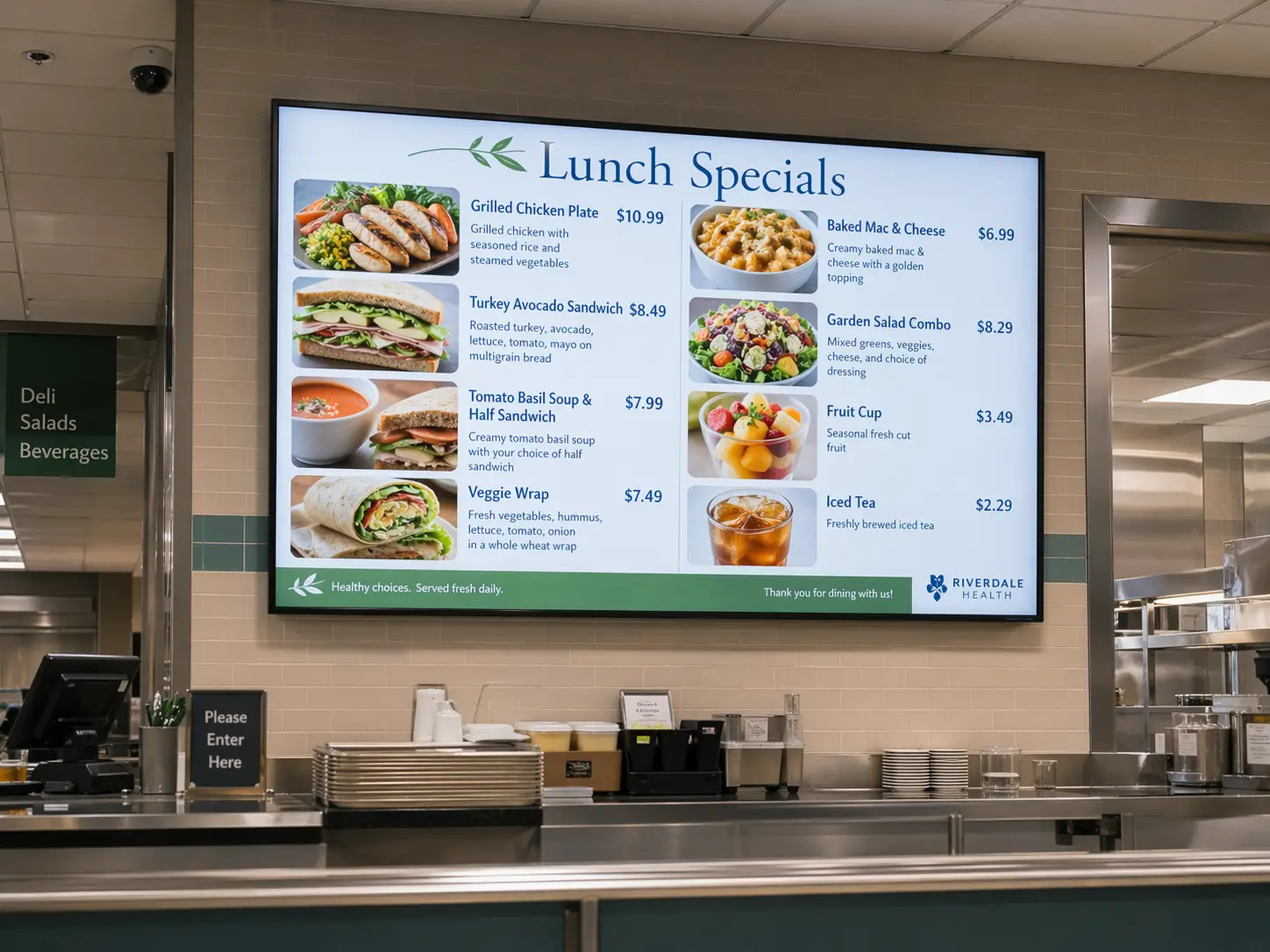
| Show prices and specials that change by time of day | Digital menu boards | Restaurants, QSRs, cafés, cafeterias | Menus from templates, item and price updates, dayparting schedules |
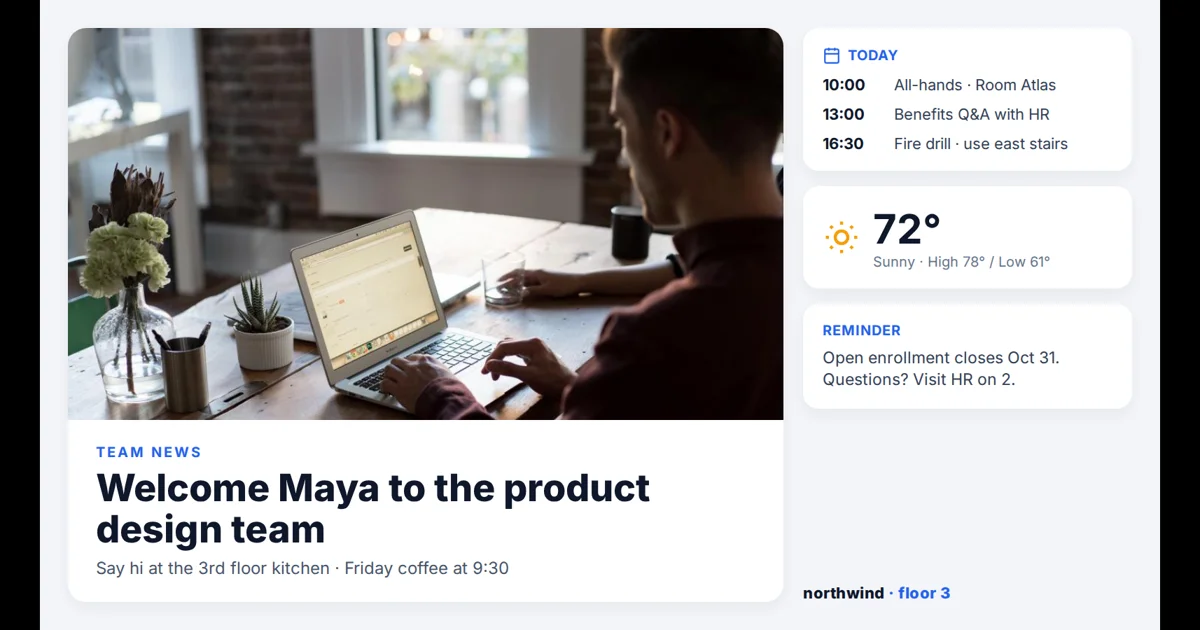
| Replace paper notices and cork boards | Digital bulletin boards | Offices, schools, churches, break rooms | Announcements, calendars, news, weather and urgent alerts |
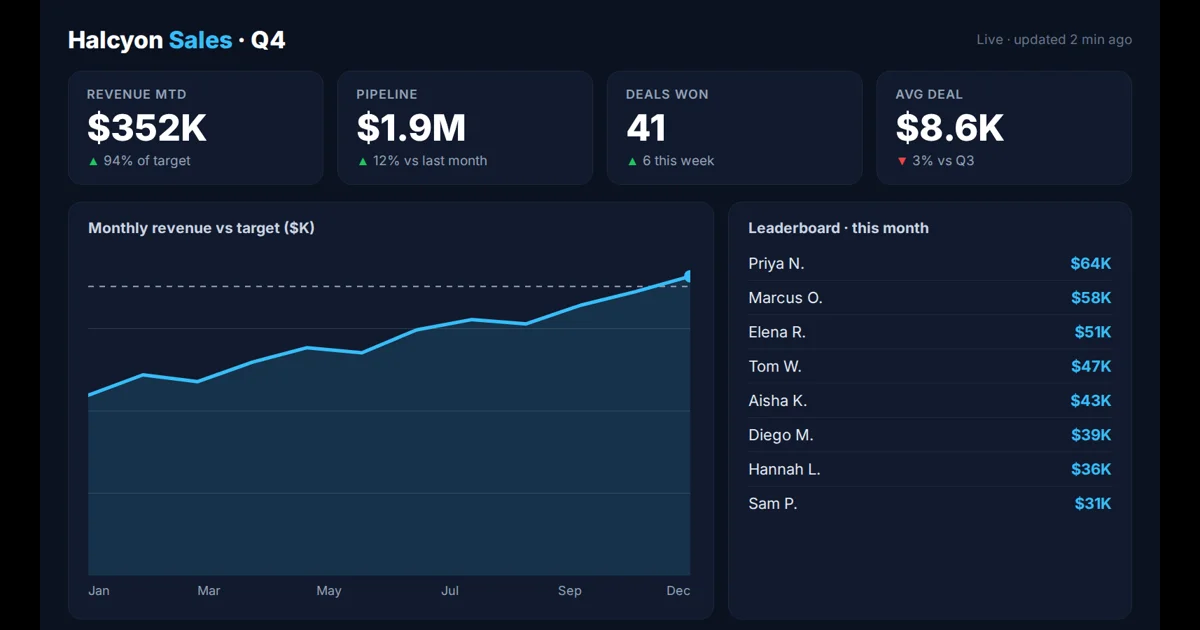
| Keep team KPIs in view all day | TV dashboards | Sales floors, support teams, factories, warehouses | Power BI and Tableau reports, including private ones, and shareable web dashboards |
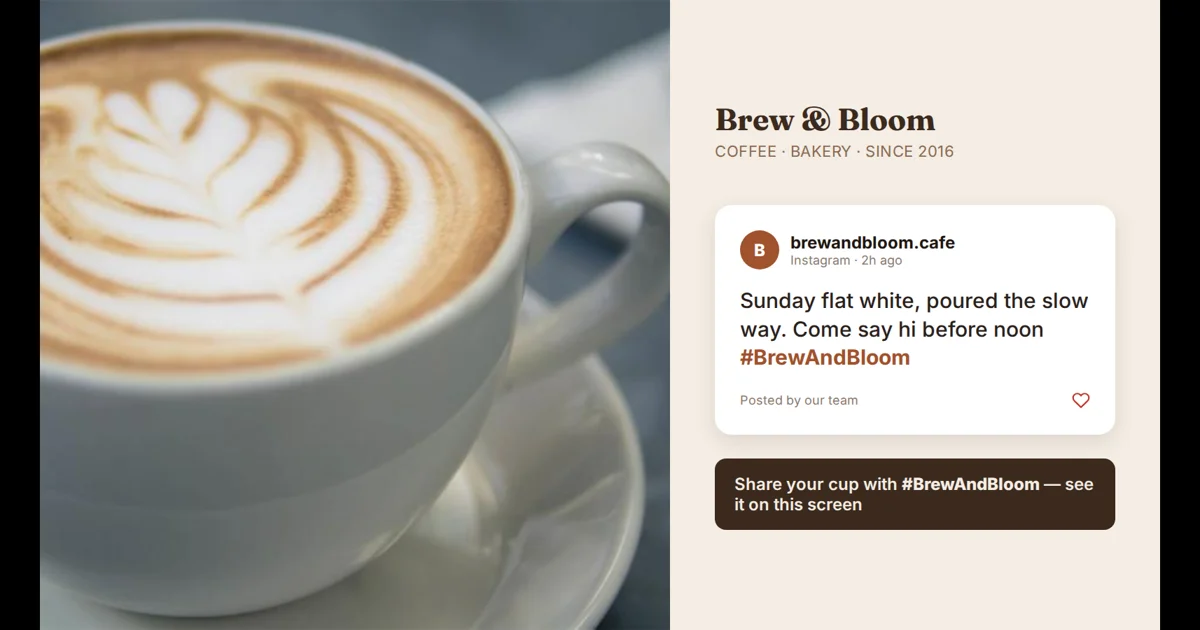
| Show what people post about you | Social media walls | Lobbies, events, venues, stores | Instagram, Facebook, TikTok and X feeds with hashtag filters |
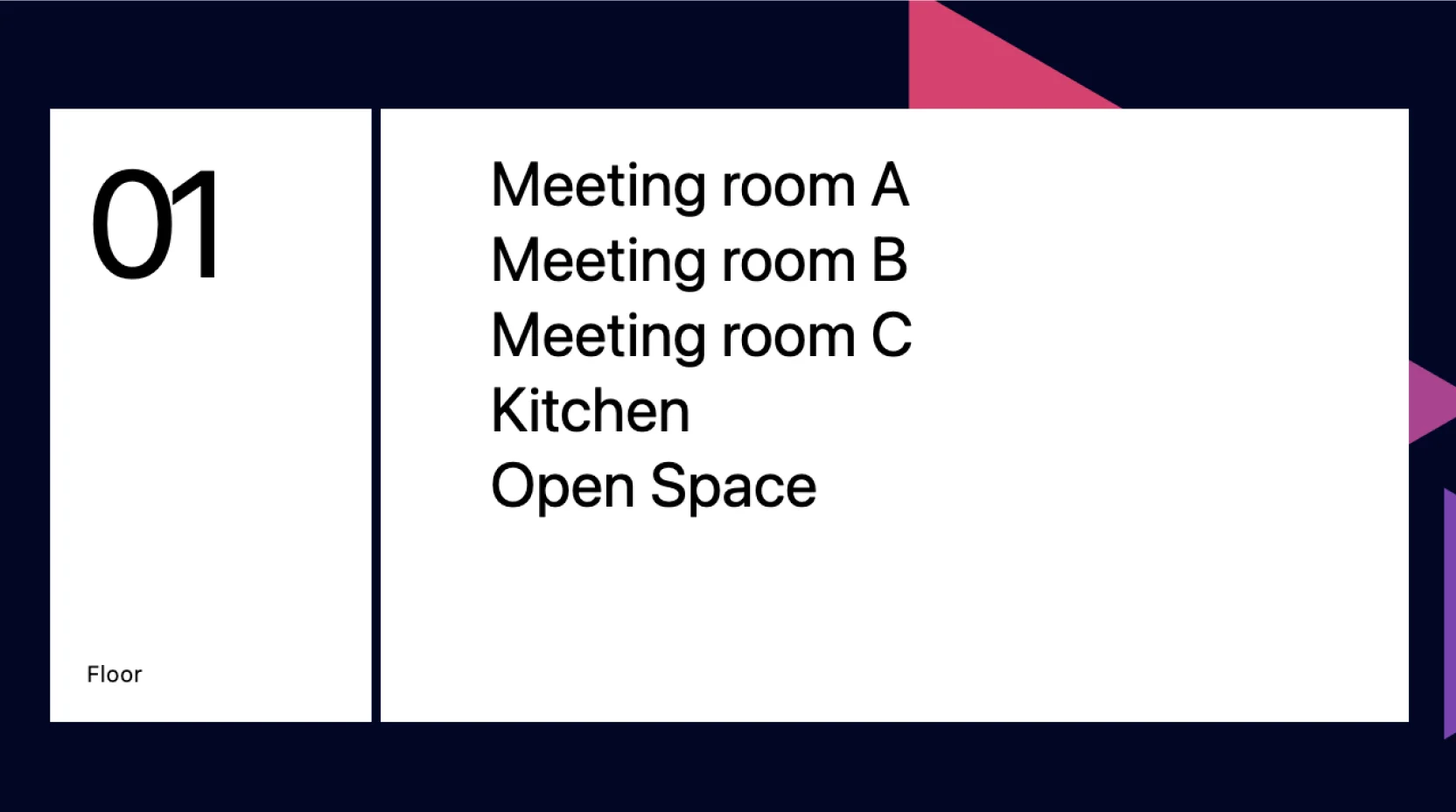
| Help visitors find their way | Wayfinding signage | Hospitals, campuses, airports, office buildings | Floor plans, directories and directions you design, updated from one place |
| Keep visitors informed while they wait | Waiting room screens | Clinics, dental offices, dealerships, service desks | Queue and service info, health or product tips, news and weather |
| Welcome guests and share company news | Lobby and reception displays | Office lobbies, hotel receptions, front desks | Welcome messages, visitor info, brand videos and announcements |
| Show who booked a room and when | Meeting room displays | Meeting rooms, huddle spaces | A room's calendar and booking status, on an iPad by the door or a TV inside |
| Promote offers where people buy | Retail promotions | Stores, showrooms, shopping centers | Offers, product videos and seasonal campaigns, scheduled by store |
| Make one big picture from several screens | Video walls | Lobbies, control rooms, venues, flagship stores | Video and images played in sync across several screens |
One platform
You don't need separate software for menus, dashboards and announcements. The same Kitcast account runs all of them.
Apple TV, Android TV, Amazon Fire TV, BrightSign, Samsung Tizen and LG webOS displays, plus macOS, iOS and a web player.
How it works →Split one screen into zones, for example a menu with a promo video, or a dashboard with announcements and a news ticker.
Change what plays by time of day or date: breakfast and lunch menus, shift-change messages, event-day social walls.
Group screens by location, floor or team, publish to all of them at once and see which screens are online.
Starter
$7 /screen/mo
Billed annually · $9 billed monthly
Menu boards, bulletin boards, social walls and wayfinding content: playlists, scheduling, zones, calendars, news and weather.
Pro
$10 /screen/mo
Billed annually · $14 billed monthly
Everything in Starter plus dashboards (Power BI, Tableau and more), web pages, live streams, SSO, API and monitoring alerts.
Enterprise
Custom
For large rollouts
Assigned customer success manager, support SLAs, guided onboarding and custom terms.
Every plan starts with a 14-day free trial, no credit card required. Compare all plan features →
By industry
Industry pages show which use cases a sector combines and what each screen typically shows.
FAQ
Common uses include digital menu boards, digital bulletin boards for announcements, TV dashboards with live KPIs, social media walls and wayfinding screens. Lobby displays, directories and video walls build on the same pieces. Kitcast runs all of them from one account.
Yes. Split the screen into zones, for example a dashboard next to announcements, or schedule different content by time of day, such as a breakfast menu in the morning and a lunch menu at noon.
Any TV with an HDMI input plus a supported player: Apple TV, Amazon Fire TV, Android TV or BrightSign. Samsung and LG smart displays can run Kitcast without an extra box, and macOS, iOS and a web player are also supported.
Kitcast Starter is $7 per screen per month billed annually ($9 monthly) and covers menu boards, bulletin boards, social walls and wayfinding content. Pro is $10 per screen per month billed annually ($14 monthly) and adds Power BI and Tableau dashboards, web pages and live streams. Every plan starts with a 14-day free trial.
A use case is the job a screen does, such as a menu board or a dashboard. An industry page shows which use cases a sector combines, for example menu boards and promotions in restaurants, or dashboards and safety messages in manufacturing.
Pair a player, choose a template and publish your first screen.
No credit card · Cancel anytime · 14 days free