








Features
Content Management & Scheduling
Everything teams need to build, organize, and automate content across their screen network — from drag-and-drop playlists to time-of-day scheduling.
Playlist Editor
Drag-and-drop interface for building content sequences. Reorder items visually, set duration per slide, and mix media types in one playlist. Multi-zone layouts split the screen into independent regions — show a video in one zone and a live data feed in another.

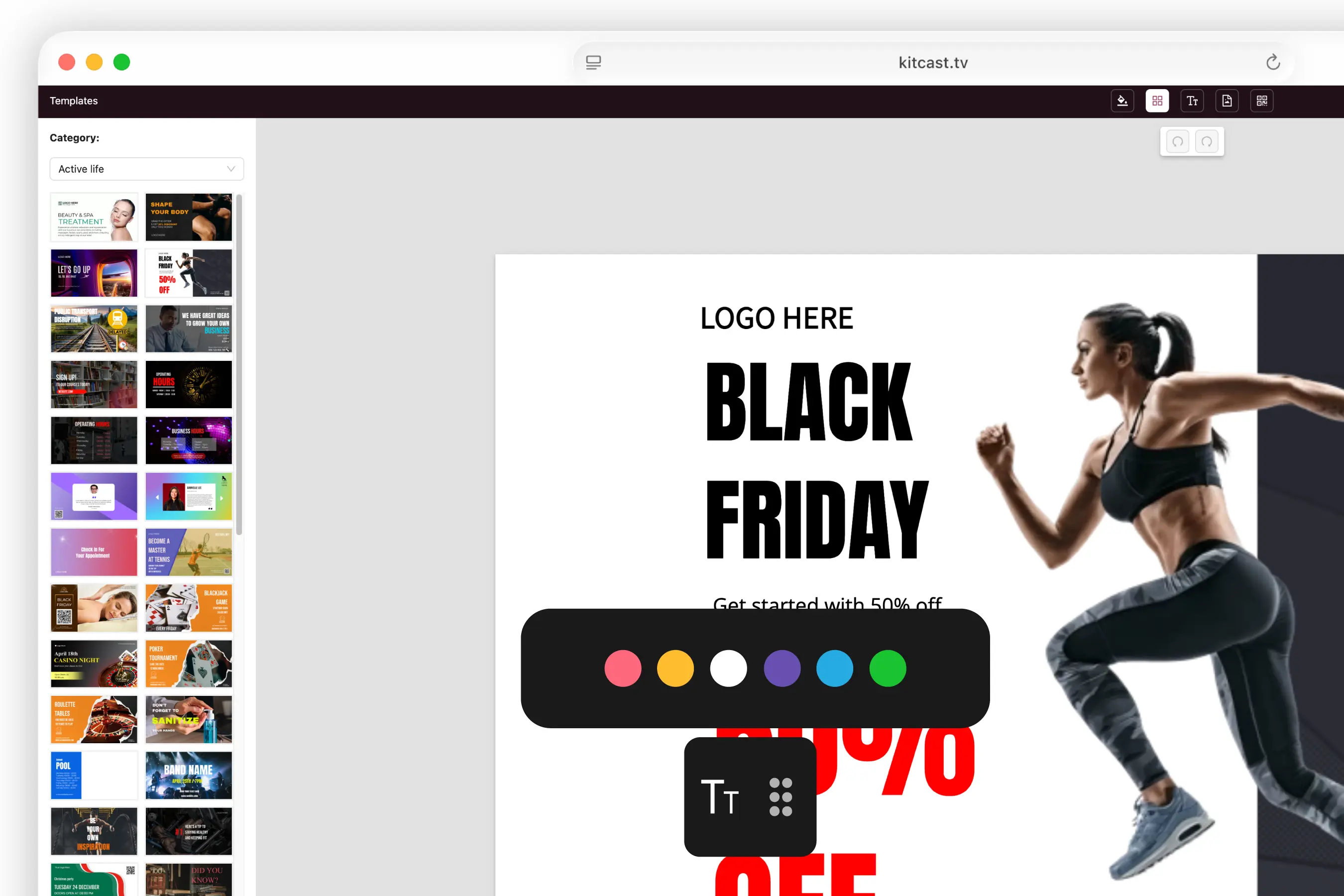
500+ Templates
Pre-built layouts organized by category — menus, corporate comms, education, retail promotions. Customize colors, text, and images, or deploy as-is. A practical starting point for teams without dedicated designers.
Scheduling & Dayparting
Set start/end dates, recurring schedules, and time-of-day rules. Dayparting automates content by time block — breakfast menu at 7am, lunch at 11am, promos at 5pm. No manual switching required.
Media Library
Centralized storage for all content assets. Upload images, video (Full HD, 4K), audio, PDFs, and presentations. Everything your team needs in one searchable location.
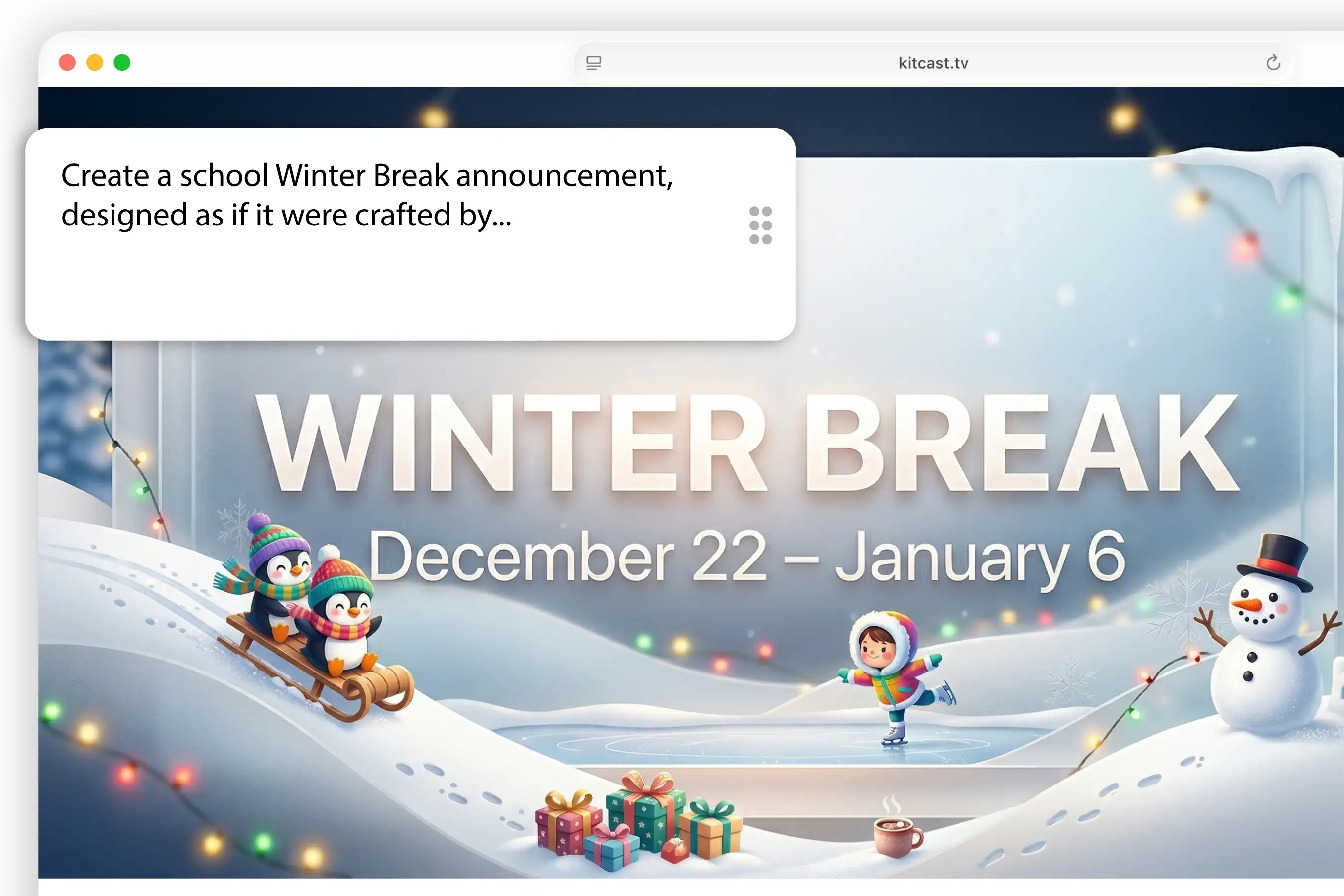
AI Content Generation AI
Describe what you want on screen — Kitcast generates it. Type a prompt, get ready-to-use content for your displays. Best for internal comms, quick announcements, and placeholder content when you need to move fast without a designer.
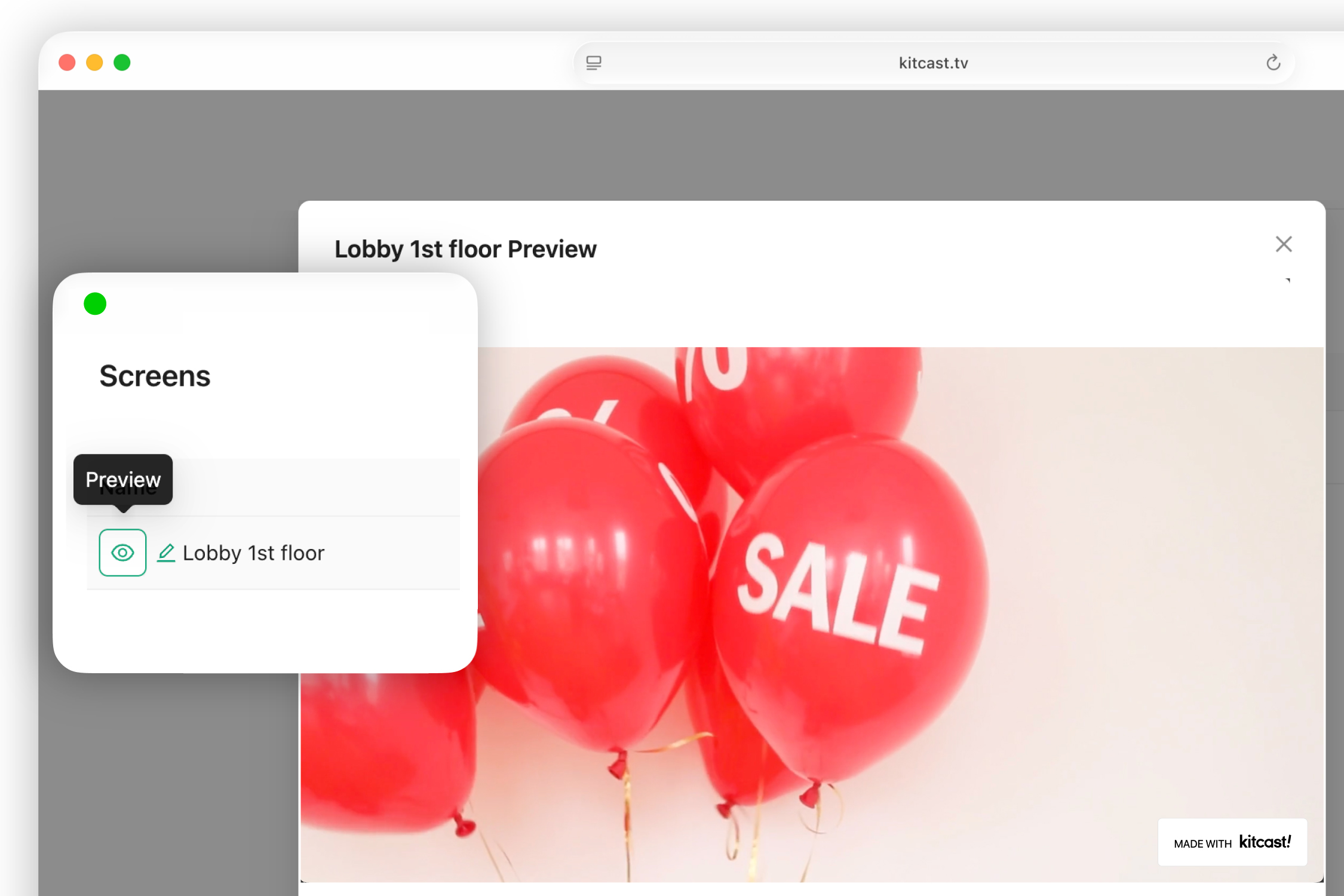
Content Preview
See exactly what screens will display before publishing. Preview the final output in your dashboard and catch issues before they go live.
Before buying, verify: template breadth for your industry, media format support, scheduling granularity.


%201.svg)


