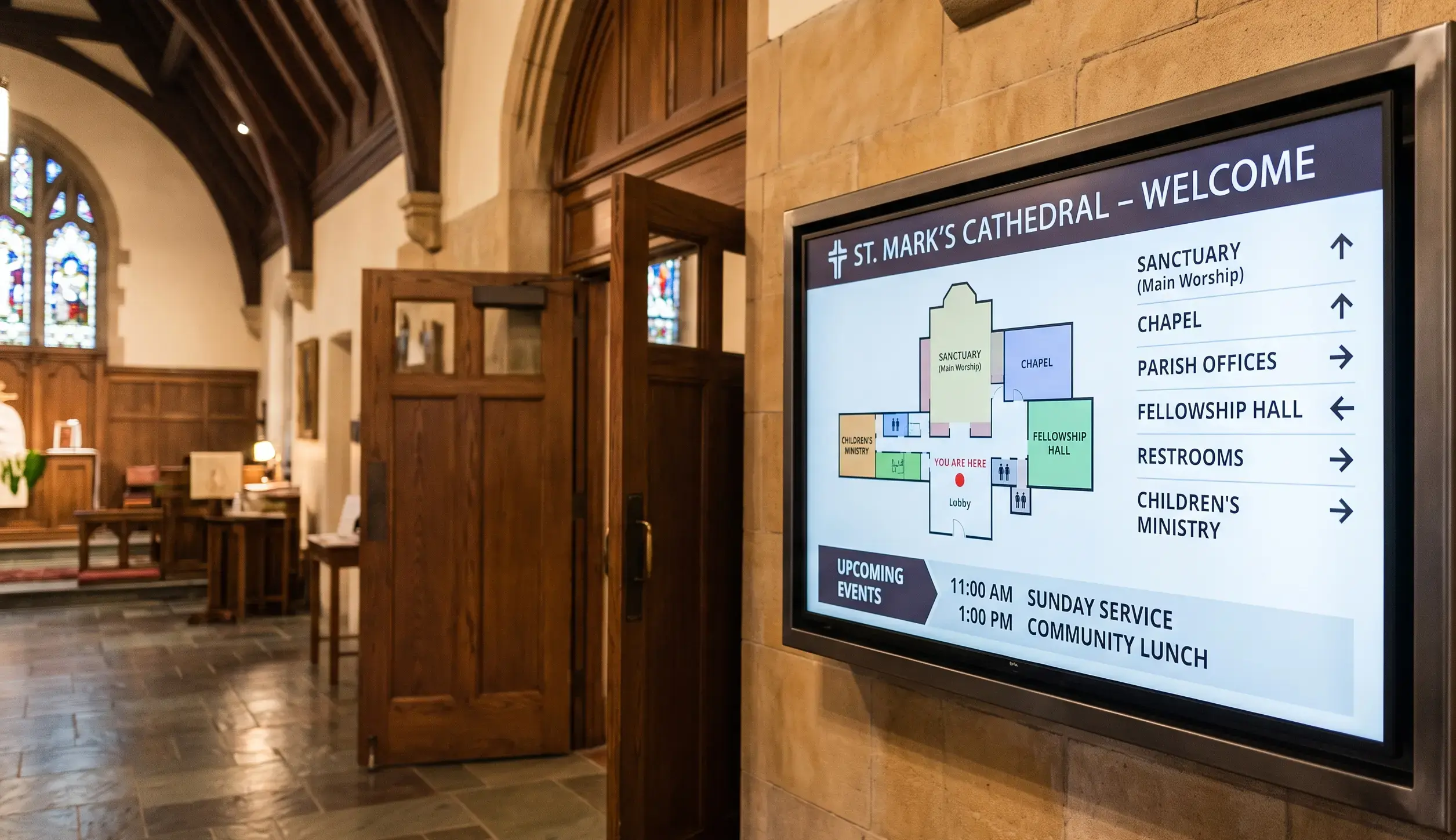
A church's screens run on a weekly rhythm: this Sunday's service times, next week's small groups, the youth retreat signup that closes Friday. That rhythm is where signage tends to slip – across all industries, the median screen shows content last updated 16.8 days ago (State of Digital Signage 2026, Kitcast). A welcome screen still promoting last month's event tells first-time visitors more than any greeting can undo.
So we compared the market on what actually matters for a church: whether a volunteer can update it in minutes, whether it runs on the TVs and Apple TVs you already own, whether it fits a ministry budget, and whether one dashboard can cover multiple campuses.
Disclosure: Kitcast makes digital signage software. This comparison uses published pricing and features verified in July 2026 – including where competitors beat us.
Comparison Table: Church Digital Signage Software at a Glance
| Software | Best for | Apple TV app | Free option | Starting price (annual) |
|---|---|---|---|---|
| Kitcast | Apple TV fleets, volunteer teams, multi-campus churches | Yes | 14-day trial, no credit card | $7/screen/mo |
| Yodeck | Small churches with one lobby screen | No | Free forever, 1 screen | $8/screen/mo |
| Rise Vision | Calendar-driven service schedule boards | Limited, no screen-sharing | – | ~$10–11/screen/mo (quote-based) |
| OptiSigns | Mixed consumer hardware already on hand | Yes, limited functionality | Yes – 3 screens (1 GB storage, OptiSigns branding) | $9/screen/mo |
| NoviSign | Free-form custom screen layouts | No | – | $18/screen/mo |
| ScreenCloud | Large organizations with staff comms needs | No | – | $20/screen/mo + VAT |
Pricing verified July 2026; plans change – confirm current rates with each vendor.
What should church digital signage software do?
Church screens carry a specific mix: worship service times at the entrance, announcement loops between services, a welcome screen that orients first-time visitors, event and volunteer signups (usually with a QR code), youth ministry displays with their own look, and giving information presented tastefully.
The software's job is to make that mix maintainable by the people who actually run it – which in most churches means volunteers, not an IT department. Look for four things: templates a non-designer can edit, scheduling that automatically swaps content between the Sunday loop and the weekday loop, role-based access so a volunteer can update announcements without touching the main campus branding, and offline playback so a Wi-Fi drop during service doesn't turn the lobby screen black. Multi-campus churches add a fifth: one dashboard with per-campus editing rights.
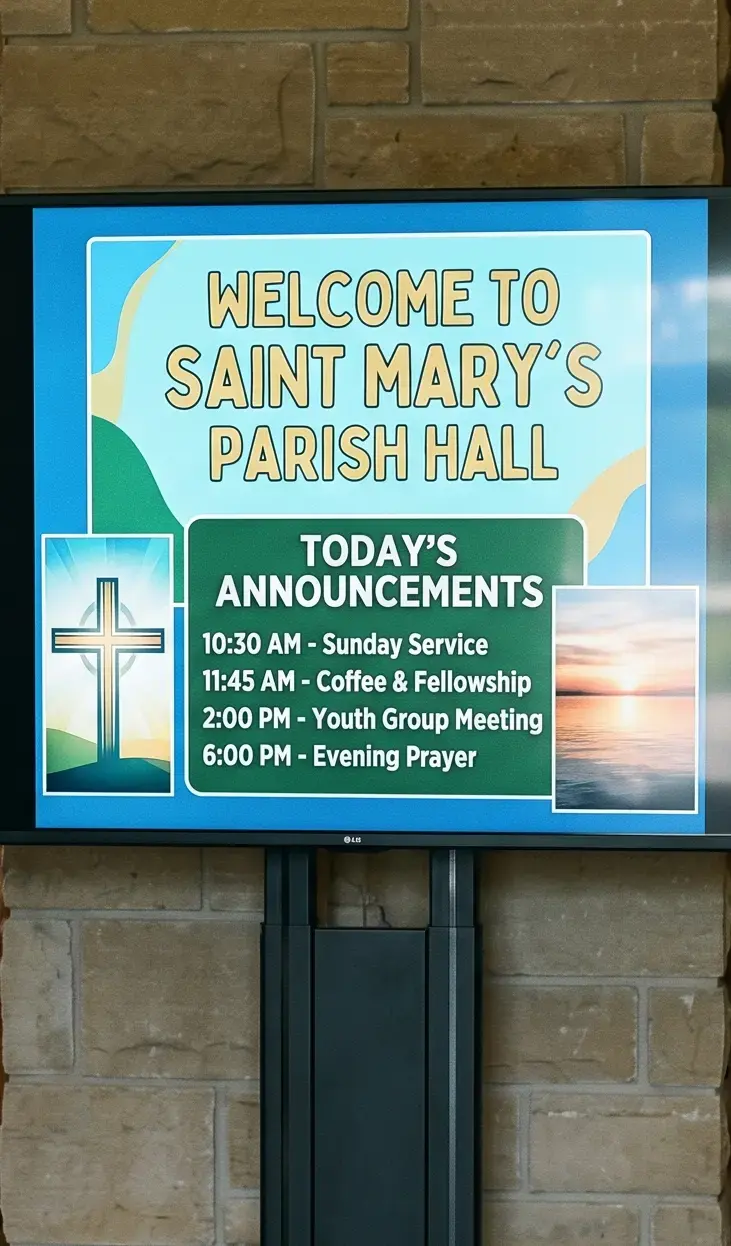
What are the examples of church digital signage?
Most churches start with one screen and grow into several as they find new places a display earns its keep. The most popular uses:
- Lobby announcement loops – the rotating slide reel between services covering this week's events, small groups, and signups.
- Welcome screens – a first-thing-you-see display that orients newcomers: today's service order, where the nursery and restrooms are, and how to connect.
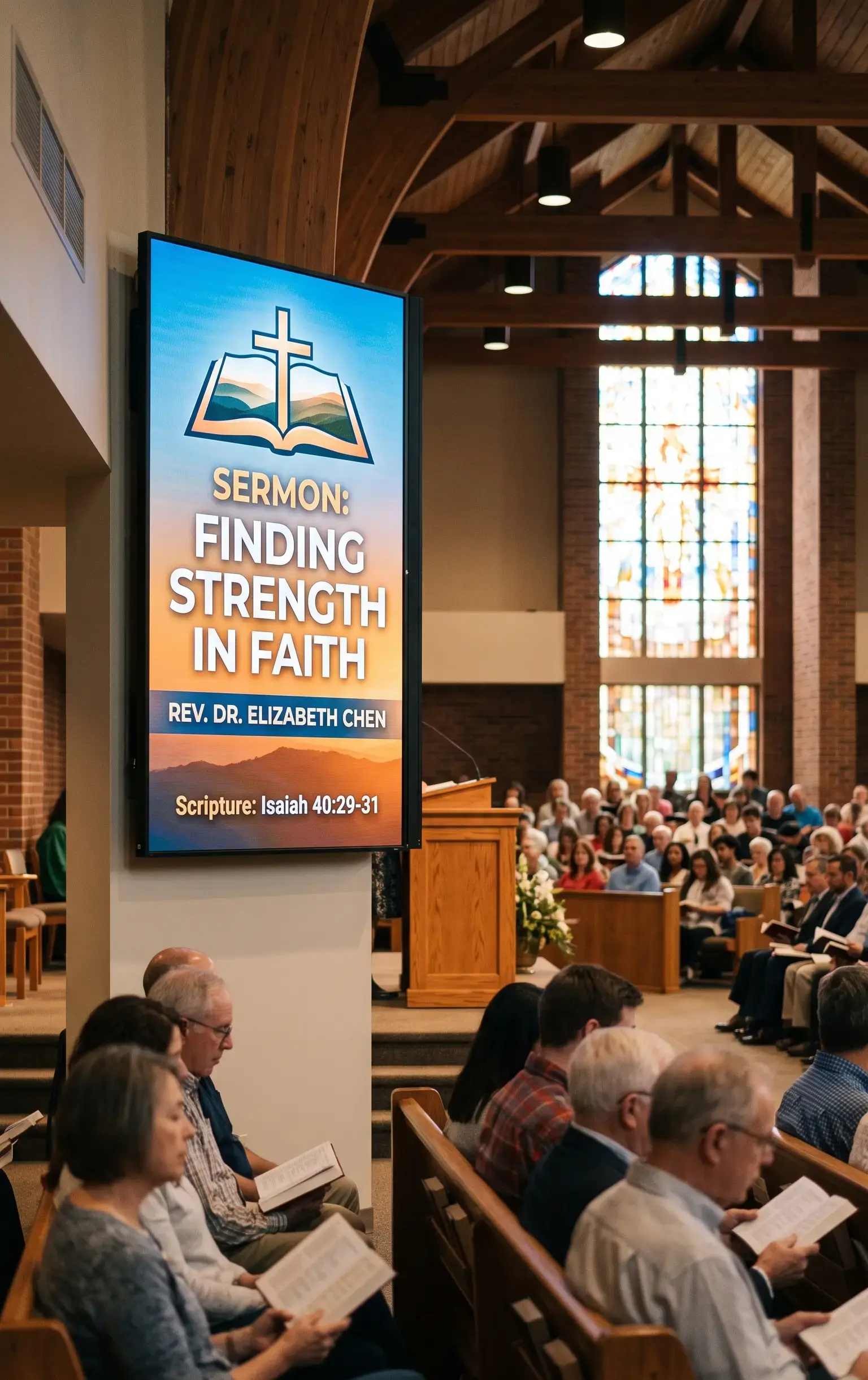
- Worship and sermon screens – song lyrics, scripture references, and sermon points on the sanctuary screens during the service itself.
- Service schedule boards – service times and room assignments at the entrance, especially useful for multi-service or multi-campus weekends.
- Event and volunteer signups – event promotion paired with a QR code so visitors can register or volunteer from their phone before they leave.
- Giving information – donation methods and QR-to-give presented tastefully, without turning the screen into a fundraising banner.
- Youth and children's ministry displays – a separate look for youth spaces, with their own schedule, check-in info, and announcements.
- Wayfinding and directional signs – pointing visitors to classrooms, the nursery, overflow rooms, or parking on a busy Sunday.
- Live stream and overflow feeds – mirroring the main service to overflow rooms, the fellowship hall, or nursery screens.
- Countdown and pre-service screens – a "service starts in 5:00" countdown that sets the room before worship begins.
The common thread is a weekly rhythm: most of these change every Sunday, which is why the software that runs them has to be editable by a volunteer in minutes, not a redesign job.
1. Kitcast
Best for: Churches running Apple TVs, volunteer-run tech teams, and multi-campus management.
Kitcast runs natively on nine platforms – Apple TV, Android TV, Fire TV, BrightSign, Samsung Tizen, LG webOS, macOS, iOS, and any web browser. It shipped the first digital signage app on the Apple TV App Store in October 2015, which matters here more than in most industries: many churches already own Apple TVs, so the player behind the lobby TV may already be paid for. Content is cached locally on every plan, so screens keep playing through outages.
For the weekly announcement cycle there are 500+ templates, AI announcement generation, a Canva integration, and scheduling with dayparting – build the Sunday loop once and let it rotate on its own. Role-based access means volunteers get limited editing rights while staff keeps control of the master layout, and multi-campus management puts every location in one dashboard. There's a dedicated digital signage for churches page covering the setup in detail. Capterra rating: 4.5.
Honest weakness: no free tier – pricing starts at $7/screen/month (Pro at $10 adds SSO, SCIM, REST API, and audit logs), with a 14-day trial and no credit card required.
2. Yodeck
Best for: Small churches that need exactly one screen.
If your entire signage plan is a single lobby TV, Yodeck's free-forever one-screen plan is hard to argue with – it's a genuinely strong option for a small congregation, not a stripped-down teaser. Paid plans start at $8/screen/month annually with a free Raspberry Pi player on annual billing, and the template library runs to 800+. Ratings are excellent: G2 4.7, Capterra 4.8. When you outgrow that single screen, our Yodeck alternative comparison shows where the pricing lines cross.
Honest weakness: advanced scheduling – the feature that automates the Sunday-versus-weekday content switch – starts on the $12 tier, and there's no Apple TV support, so churches with Apple TVs on hand will need different player hardware.
3. Rise Vision
Best for: Calendar-driven service schedule and event boards.
Rise Vision's calendar-first design suits the most schedule-heavy church content – service times, room assignments, recurring weekly programs – with 750+ templates and offline playback included on the Basic plan. Pricing is quote-based at roughly $10–11/screen/month. G2 rating: 4.7 across 937 reviews.
Honest weakness: the product is built for K-12 schools first – churches will find the schedule tooling familiar but nothing church-specific, and pricing requires a quote rather than a published rate.
4. OptiSigns
Best for: Churches with a mixed bag of consumer hardware already on hand.
OptiSigns starts at $9/screen/month annually with broad consumer-hardware support and a template library – a practical fit if your screens are a patchwork of donated TVs and assorted streaming devices. G2 rating: 4.7 across 3,267 reviews (seller-reported aggregate). The full OptiSigns alternative breakdown compares template libraries, hardware, and per-screen cost.
Honest weakness: nothing in the product targets churches specifically, and the enterprise plan carries a 25-screen minimum at $45/screen – irrelevant to most congregations, but it means large multi-campus deals get expensive.
5. NoviSign
Best for: Custom free-form screen layouts.
NoviSign offers 500+ templates and free-form drag-and-drop layouts, which suits churches that want a welcome screen designed to their own vision rather than assembled from fixed zones. Capterra rating: 4.9 across 118 reviews.
Honest weakness: at $18/screen/month (Business Plus at $26) it's more than double the entry price of Kitcast, Yodeck, or OptiSigns – a real stretch for a ministry budget – and there's no Apple TV app.
6. ScreenCloud
Best for: Large organizations running staff communications alongside public screens.
ScreenCloud positions for enterprise internal communications – a fit mainly for very large churches or denominational offices that treat signage as a staff comms platform as much as a visitor-facing one. For most congregations the comparison comes down to price and simplicity — see our ScreenCloud alternative breakdown.
Honest weakness: at $20/screen/month plus VAT it costs two to three times more than most alternatives here, with no Apple TV or Raspberry Pi support listed – a hard sell for budget-sensitive church buyers.
Keeping church screens fresh with a volunteer team
There's no church-specific fleet telemetry to cite yet, so here's the honest general picture: across all industries, the median screen shows content last updated 16.8 days ago (State of Digital Signage 2026, Kitcast). For a church, 16.8 days means missing two full Sunday cycles – announcements for events that already happened, signups that already closed.
The fix is the software that fits how churches actually staff this. Give two or three volunteers limited editing access, build recurring loops on a schedule so the between-services content changes itself, and keep a template per ministry (welcome, youth, events, giving) so weekly updates mean swapping text. If the person updating the screen changes every semester, the tool has to be learnable in one sitting. Full fleet data is in the digital signage statistics report.
How much does church digital signage cost?
Across the industry, the most common software budget is $11–20 per screen per month (survey of 515 operators, State of Digital Signage 2026, Kitcast) – and a church can land under that. On this list, entry pricing runs from Yodeck's free single-screen plan through $7–9/screen (Kitcast, Yodeck, OptiSigns) to $18–20+ (NoviSign, ScreenCloud).
Hardware is often the smallest line item: any TV with an HDMI port works with a small media player, and the Apple TVs many churches already own run Kitcast natively with nothing extra to buy. For a full breakdown of software, hardware, and installation, see the digital signage cost guide; if the budget is genuinely zero to start, the best free digital signage software roundup covers the trade-offs.
FAQ
What is the best digital signage software for churches?
For most churches, Kitcast – a native Apple TV app plus eight other platforms, offline playback on every plan, role-based access for volunteers, and multi-campus management from $7/screen/month. Yodeck is the budget pick for a single lobby screen thanks to its free-forever one-screen plan.
Can a church use TVs and Apple TVs it already owns?
Usually yes. Any TV with an HDMI port works with a small media player, and Apple TVs already sitting in the building can run Kitcast natively – no new hardware needed for those screens.
Is there free digital signage software for churches?
Yodeck offers a free-forever plan for one screen, which covers a small church's single lobby TV. Kitcast has no free tier but offers a 14-day trial with no credit card. For a wider look at free options and their limits, see the free digital signage software roundup.
How do volunteers manage church digital signage?
Choose software with role-based access: volunteers get limited editing rights to update announcements and event slides, while staff controls layouts, branding, and schedules. Combined with editable templates, weekly updates become a few minutes of text changes rather than a design task.
How hard is it to manage the church signage software?
Day-to-day, not hard if the tool is built for volunteers. Once templates and schedules are set up, weekly updates just mean editing text on a slide and letting it rotate. Kitcast and Yodeck are the simplest to get running.
Does church digital signage work without internet?
Platforms with offline playback cache content locally on the player, so screens keep running through Wi-Fi drops and sync automatically when connectivity returns. Kitcast includes offline playback on every plan; Rise Vision includes it on its Basic plan.
How much does digital signage cost for a church with 3 screens?
Software: roughly $21–60/month depending on the platform ($7–20 per screen on this list), and the most common budget across the industry is $11–20 per screen per month. If the church already owns Apple TVs or smart TVs, hardware cost for those screens can be zero.
Getting started
Start with the screen visitors see first – the lobby or welcome area – on hardware you already own, load a welcome-plus-announcements template, and hand editing access to one volunteer. See how Kitcast works for churches.
Internal Communications Digital Signage: Strategy, Content Ideas & Examples (2026)
6 Best Digital Signage Software for Education in 2026 (Compared)