
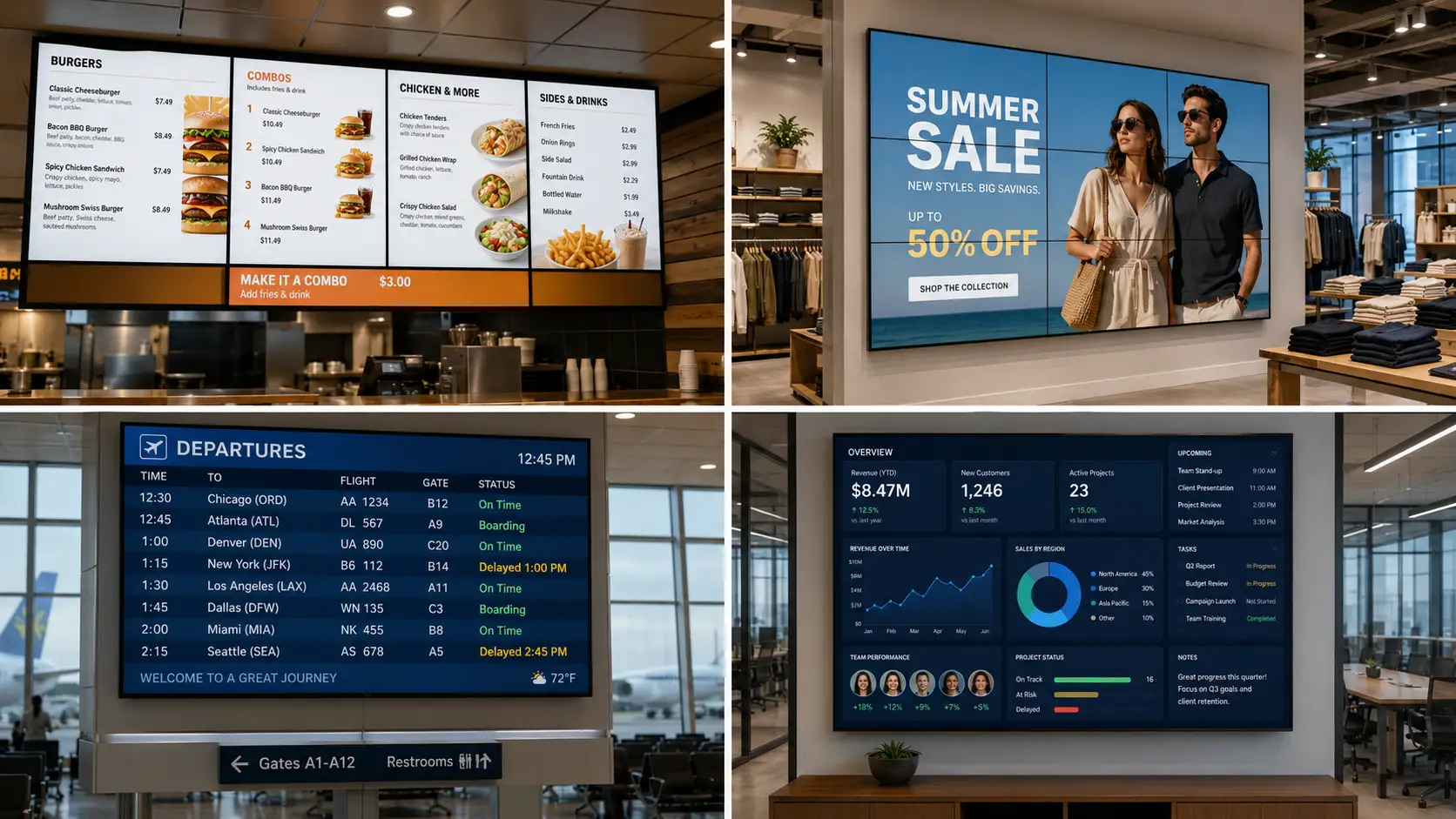
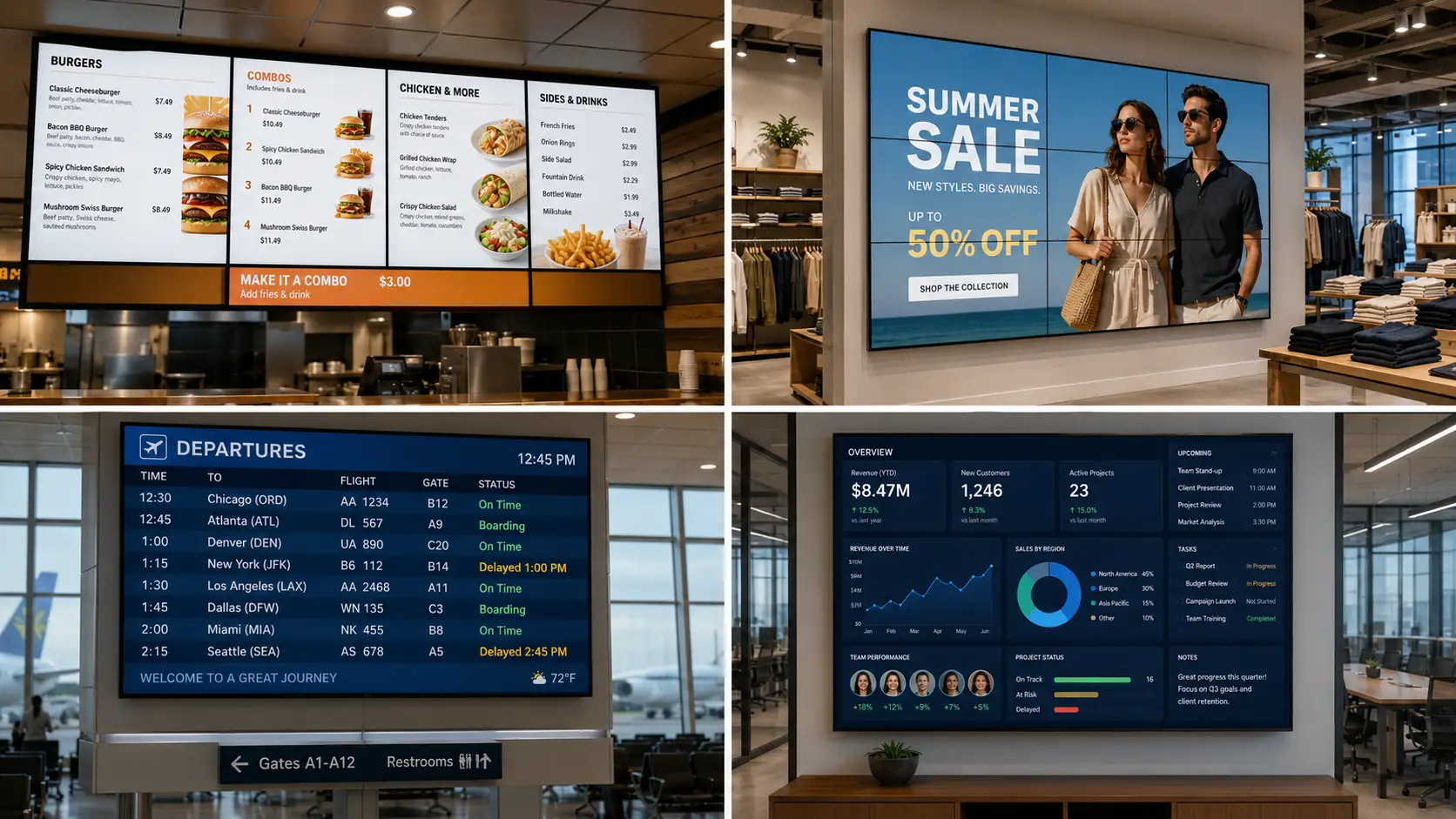
Digital signage is everywhere you look – the menu board at a drive-thru, the flight board at the airport, the video wall in a flagship store. But "what should we actually put on the screen?" is the question most teams get stuck on. This guide answers it with 30 specific digital signage examples, grouped by 12 industries, plus the hardware and pricing behind each one. Every example is something you can copy this week: a real use case, the content that runs on it, and where it pays off. Kitcast powers screens for teams like Disney, the New York Times, and UPenn across nine platforms – Apple TV, Android, Fire TV, BrightSign, and more – so the examples below reflect what works in production, not theory.
What counts as a digital signage example?
A digital signage example is any real-world use of a screen – powered by a media player and content software – to show dynamic content instead of static print. The three building blocks are the same everywhere: a display (a commercial TV or smart screen), a media player (Apple TV, Fire TV, BrightSign, or the screen's built-in OS), and a CMS that schedules and updates content from the cloud. Swap the content, and the same setup becomes a menu board, a wayfinding kiosk, or a safety dashboard. For a full breakdown of the stack, see what is digital signage.
The examples that follow fall into a few repeatable patterns: informational (schedules, directories, KPIs), promotional (offers, product videos), operational (queue times, production metrics), and interactive (touch kiosks, self-order screens). The best ones share three traits: content updates in real time or on a schedule, the screen earns attention in a high-traffic spot, and the message changes based on audience, time of day, or location. Keep those three in mind as you read – they're what separates a digital signage example that drives action from a TV playing a looping slideshow.
What are the best retail, restaurant, and hospitality digital signage examples?
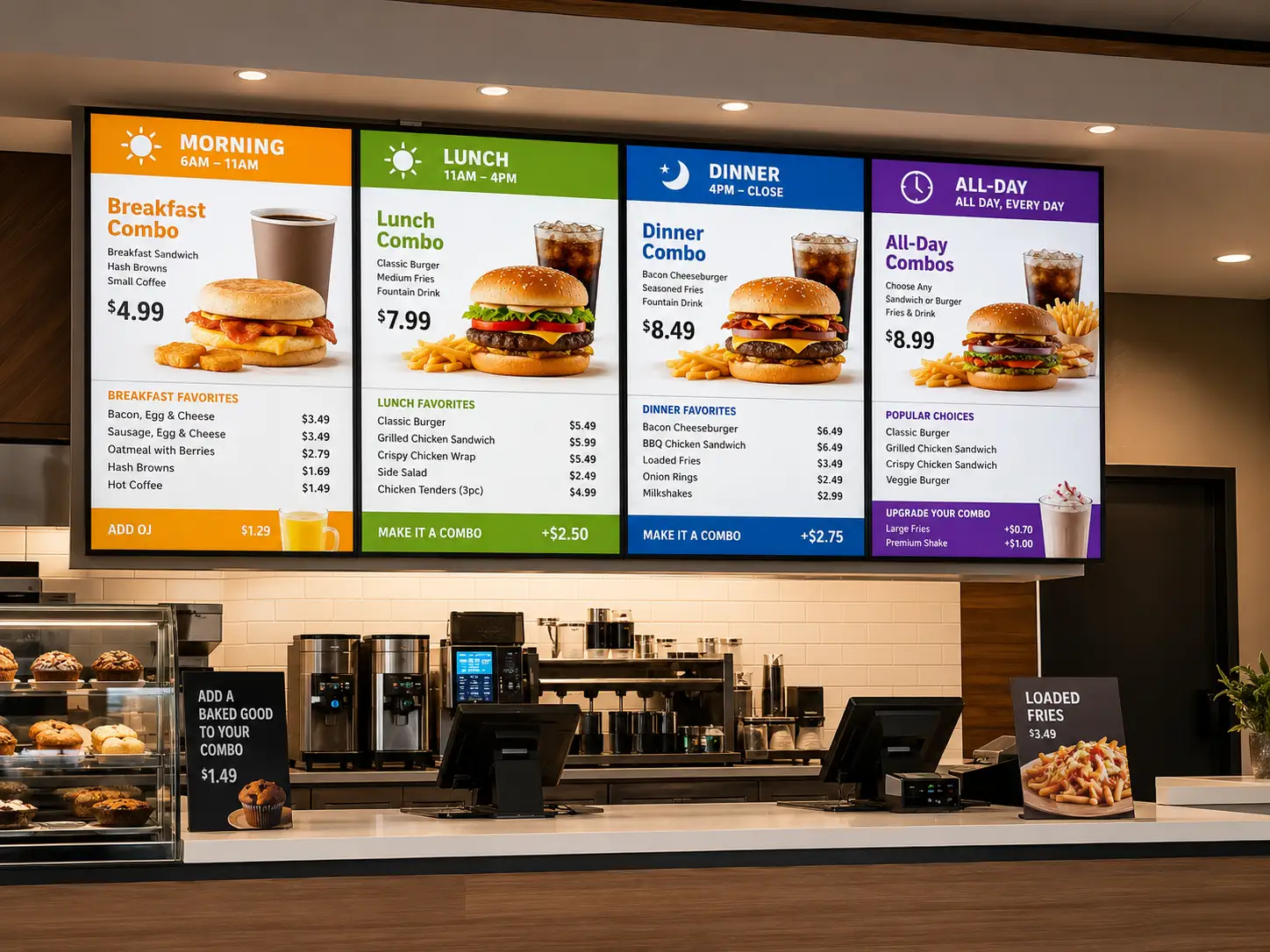
These three customer-facing industries live and die by foot traffic, and screens are how they convert it.
Retail. (1) Video walls in flagship stores run brand films and seasonal campaigns that print can't match – a multi-screen wall behind the entrance cycling lookbooks. (2) Window displays turn after-hours storefronts into 24/7 ads, showing new arrivals and offers to passersby. (3) Interactive product kiosks let shoppers browse the full catalog, check stock, and see styling suggestions on a touchscreen when an item's sold out in-store.
Restaurants and QSR. (4) Digital menu boards are the highest-ROI screen in food service – update pricing, combos, and 86'd items instantly across locations instead of reprinting. (5) Drive-thru boards swap menus by daypart (breakfast to lunch) automatically and surface upsells at the order point. (6) Self-order kiosks, like McDonald's, cut lines and raise average ticket size by showing add-ons every customer sees. Build any of these with digital menu boards.
Hospitality. (7) Lobby and concierge screens greet guests, show the weather, local events, and Wi-Fi details, replacing the printed easel. (8) Event and meeting boards route attendees to the right ballroom and update room schedules in real time across a property. For a focused lobby digital signage walkthrough — welcome screens, visitor check-in, brand display, hardware, and costs — see our dedicated 2026 guide.
Across all three, the win is the same: content that changes by location, time, and inventory without anyone reprinting a poster or walking the floor.
What are the best workplace, healthcare, and manufacturing digital signage examples?
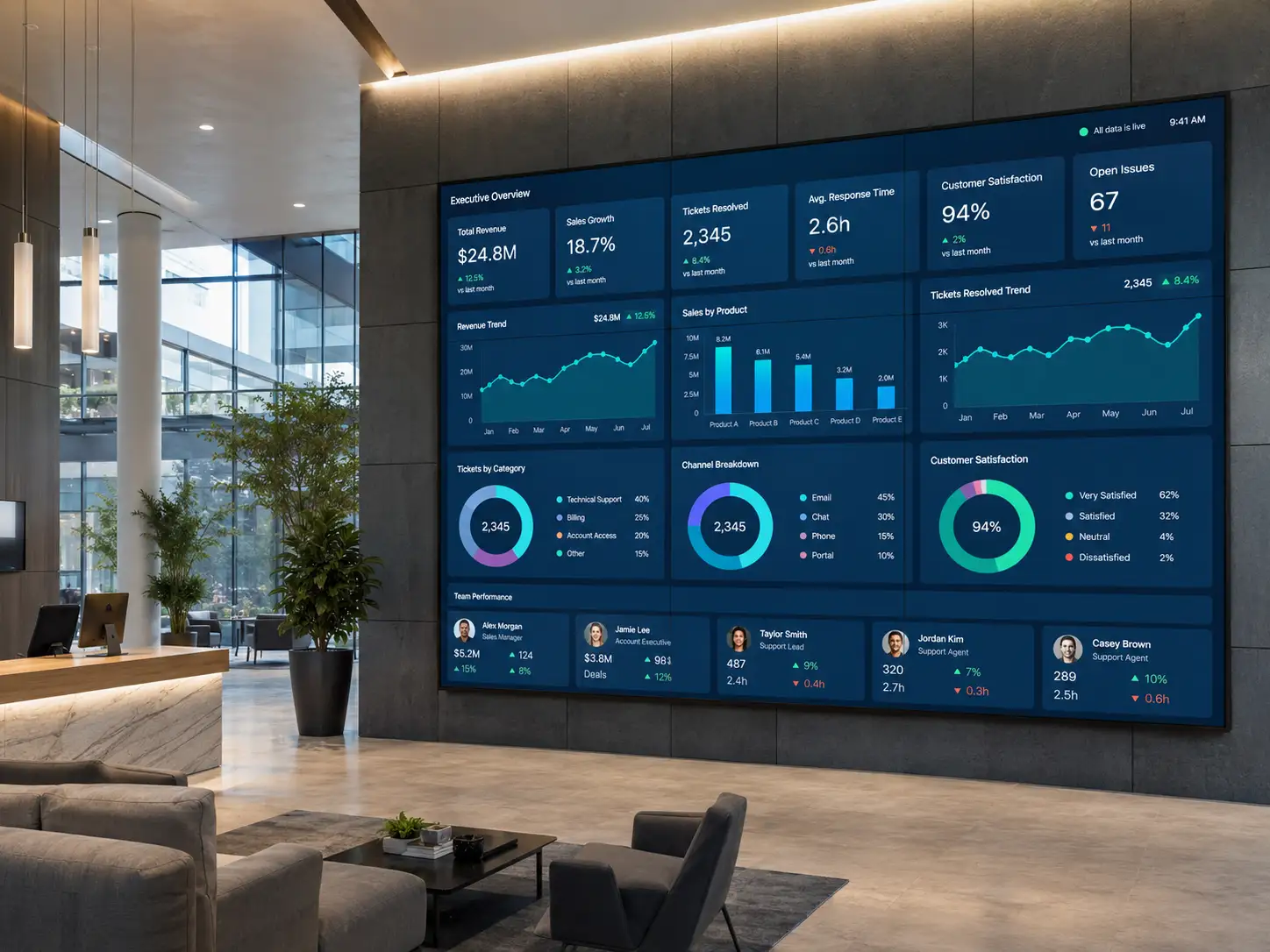
Behind the scenes, screens keep employees informed and operations safe.
Corporate offices. (9) Lobby welcome screens display visitor names, brand moments, and press mentions for clients arriving on-site. (10) KPI and dashboard walls pipe live sales, support, or DevOps metrics from tools like Power BI and Grafana onto breakroom and floor screens. (11) Internal-comms screens push company news, new-hire intros, and event reminders to offices and breakrooms – reaching deskless staff that email never touches. For a focused internal communications digital signage playbook — content mix, channel comparison, and measurement — see our 2026 guide.
Healthcare. (12) Waiting-room screens cut perceived wait time with health tips, queue numbers, and calming content in lobbies and exam-room hallways. (13) Wayfinding displays guide patients from entrance to department in large hospitals where a wrong turn costs staff time. (14) Staff-facing dashboards show bed availability, shift handoffs, and safety reminders in back-of-house areas. For a focused waiting room digital signage guide covering software, hardware, content, and install steps, see our dedicated 2026 article.
Manufacturing. (15) Andon and KPI boards on the factory floor show real-time production counts, takt time, and OEE so teams see problems the moment they happen. (16) Safety dashboards track days-since-incident and broadcast emergency alerts instantly across a plant. Because Kitcast caches content locally on every device, these screens keep running even when the network drops – critical on a shop floor.
These examples share a theme: the screen is operational infrastructure, not decoration. Reliability and live data matter more than polish.
What are the best education, fitness, and banking digital signage examples?
Campuses, clubs, and branches use screens to inform, motivate, and sell.
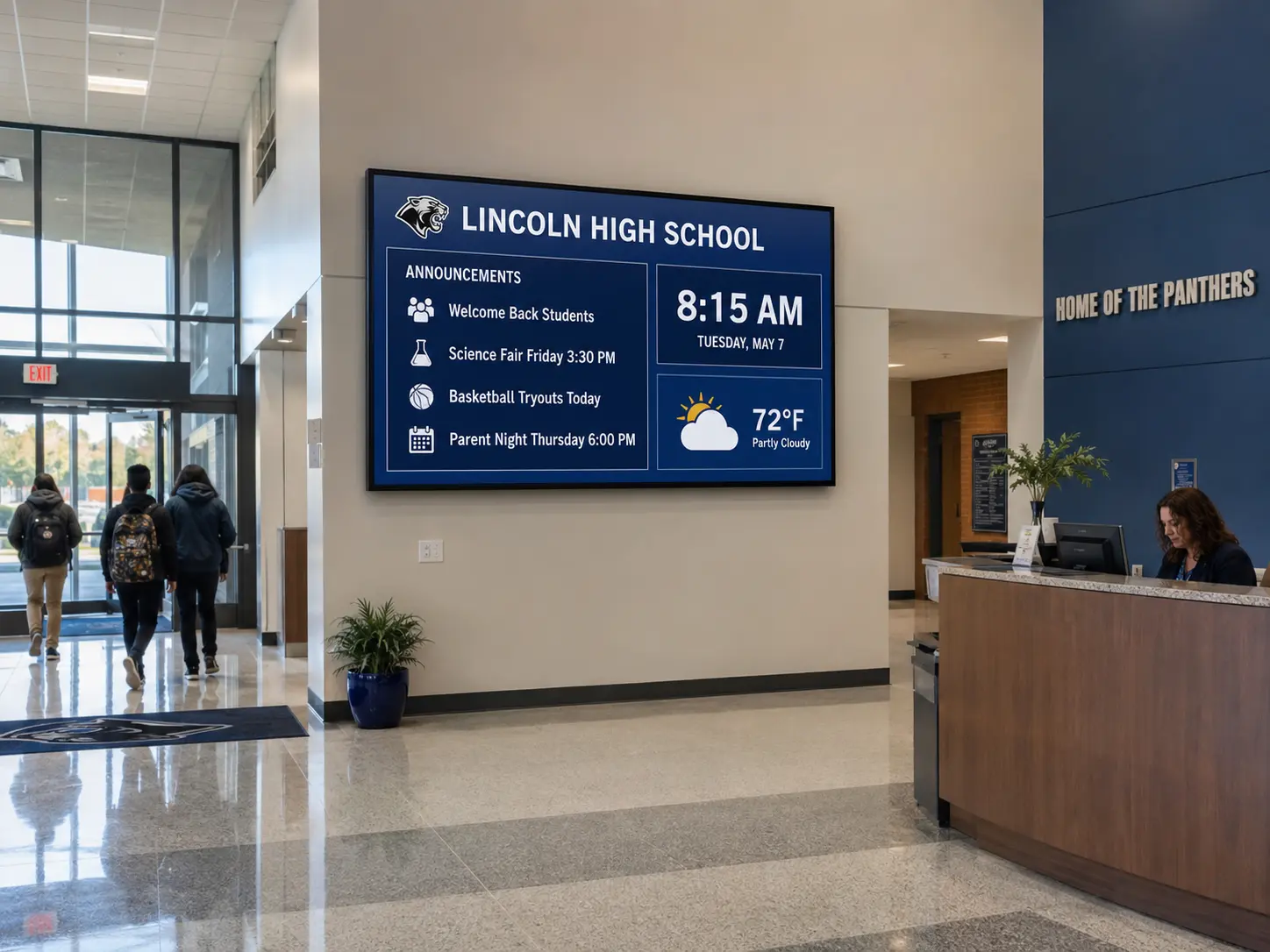
Education. (17) Campus wayfinding helps students and visitors find lecture halls and offices across sprawling buildings. (18) Digital bulletin boards replace paper flyers with event listings, club announcements, and dining-hall menus that anyone can update. (19) Emergency alerts override every screen on campus with lockdown or weather instructions in seconds – a non-negotiable for K-12 districts and universities like UPenn. For a college-focused walkthrough of these same use cases at scale, see our digital signage for higher education guide.
Gyms and fitness. (20) Class schedule screens show the day's timetable, instructor swaps, and room assignments at the entrance and studio doors. (21) Motivation and promo screens run member milestones, personal-training offers, and challenge leaderboards on the floor to drive retention.
Banking and finance. (22) Rate and queue screens display current rates, ticket numbers, and estimated wait times in branches. (23) Branch promotion screens cross-sell mortgages, cards, and app features in the lobby while customers wait, with compliance-approved content pushed centrally to every location. We expand on rate boards and queue screens in our page on digital signage for banks.
The connective tissue here is governance: education and finance both need the right people to update the right screens, with central control over what's allowed to publish – exactly where role- and location-based permissions earn their keep.
What are the best transport, real estate, and casino digital signage examples?
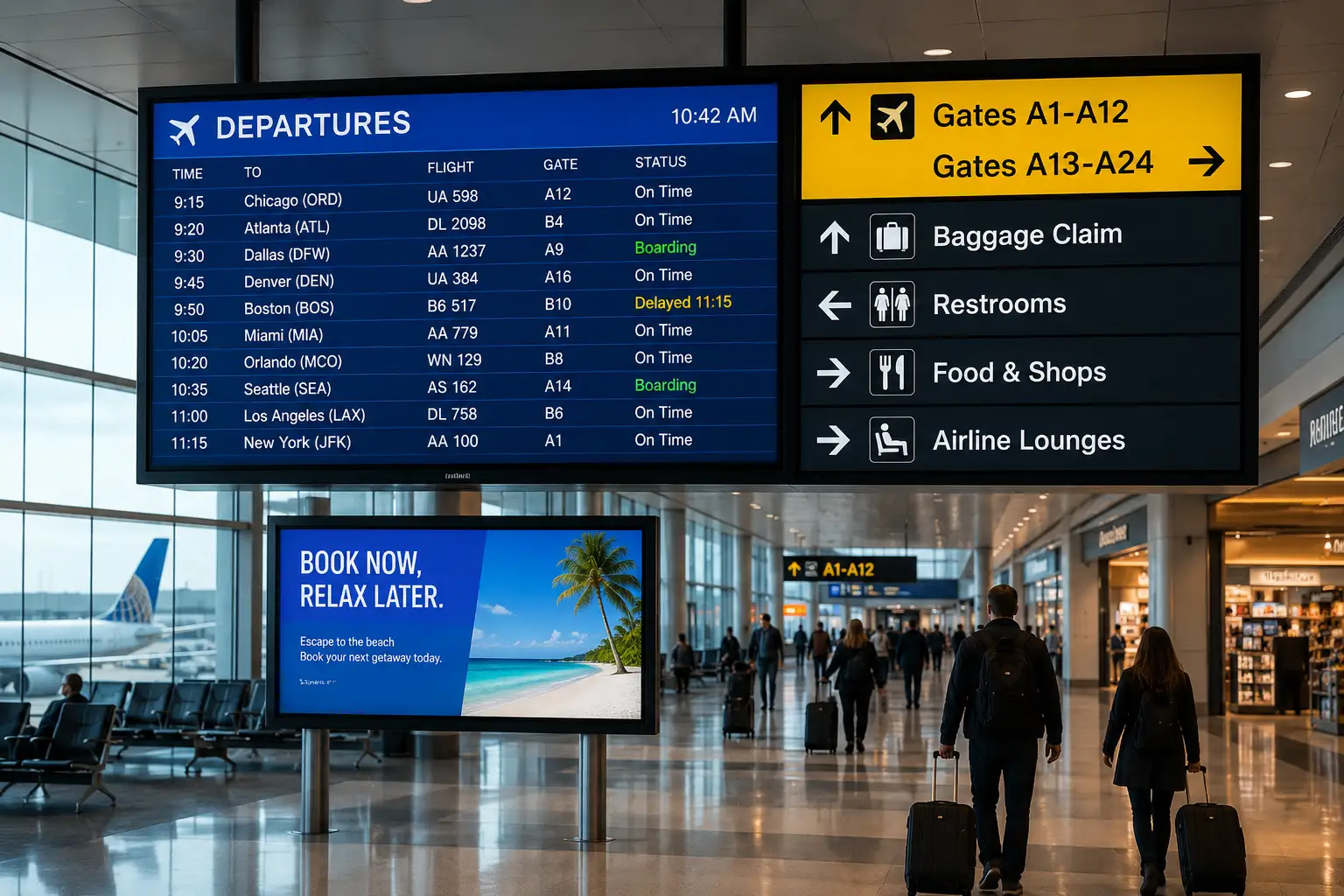
High-traffic venues use screens at the biggest scale – and often capture advertising revenue doing it. For a forward-look at 2026 — AI content, mega LEDs, vertical formats, and programmatic DOOH — see our digital signage trends report.
Transport and airports. (24) Flight and departure boards show real-time gate, status, and baggage info across terminals. (25) Passenger wayfinding routes travelers to gates, lounges, and transit links. (26) Terminal advertising is classic digital out-of-home (DOOH) – brands buy screen time in front of a captive, high-dwell audience. A famous example is Delta's "Parallel Reality" board at Detroit, which shows each passenger only their own flight details on a shared display. Manage routes and maps with wayfinding digital signage.
Real estate. (27) Window listing displays turn brokerage storefronts into 24/7 property showcases with photos, prices, and QR codes for after-hours browsing. (28) Office and open-house screens loop featured listings and virtual tours for walk-ins.
Gaming and casino. (29) Jackpot and event boards broadcast live jackpot totals, tournament standings, and show times across the floor. (30) Wayfinding and F&B menus guide guests to restaurants, lounges, and amenities, with promotions that change by hour.
That's the full set – 30 examples across 12 industries. The pattern repeats: put live, location-aware content where attention already is, and let software handle the updates.
What hardware and software do digital signage examples run on – and what does it cost?
Every example above runs on the same three-part stack: a screen, a media player, and signage software. The differences are mostly about scale and environment. For the software piece specifically — including best free digital signage software tiers — see our 2026 free vs paid guide. For a focused head-to-head between the two most common player choices, see our apple tv vs fire stick comparison.
Media players. For most rooms, a small streaming device does the job. Apple TV 4K is the go-to for offices, schools, and retail – Kitcast shipped the first native tvOS signage app back in October 2015. Amazon Fire TV is the budget pick; BrightSign players (like the HD224) are built for 24/7 commercial duty in airports and stadiums; and built-in Samsung Tizen and LG webOS smart TVs skip the external box entirely. Android TV, ChromeOS, macOS, and iOS round out the list – nine platforms in total, so you can usually reuse hardware you already own.
Software. The CMS is where you design, schedule, and monitor content. Look for offline caching (so screens survive network drops), zero-touch deployment via MDM (Jamf, Mosyle, Kandji) for large fleets, and role- or location-based permissions so the right teams update the right screens. For what digital signage actually costs across the three buckets — hardware, software, and content — see our breakdown.
Cost. Kitcast starts at $7 per screen per month (Starter) and $10 per screen per month (Pro, which adds SSO, SCIM, and audit logs for IT-governed rollouts). Hardware is a one-time cost: roughly $60 for a Fire TV to $199 for an Apple TV 4K (pricing checked July 2026), more for commercial BrightSign or touch displays. A simple single-screen menu board can be live for under $100 in hardware plus $7/month; an interactive kiosk runs higher. See full Kitcast pricing for plan details.
Frequently Asked Questions
What is a digital signage example?
A digital signage example is any real-world use of a screen – driven by a media player and content software – to display dynamic content instead of static signs. Common examples include restaurant menu boards, airport flight displays, retail video walls, and office KPI dashboards.
What is the most common digital signage example?
Digital menu boards are the most common example, especially in restaurants, cafes, and QSRs. They let operators update pricing, specials, and daypart menus instantly across every location – no reprinting – which is why they deliver some of the fastest payback of any signage use case.
What can you display on digital signage?
You can display images, video, web pages and dashboards, social feeds, menus, schedules, wayfinding maps, live data, and emergency alerts. Most software also supports zoning – splitting one screen into sections so you can show a menu, a promo, and a live feed at once.
What are good digital signage examples for retail?
Strong retail examples include flagship video walls running brand films, 24/7 window displays promoting new arrivals, and interactive product kiosks that let shoppers browse the full catalog and check stock when an item is sold out in-store. For the mall-specific advertising side — formats, monetization, and CPM math — see our shopping mall advertising guide.
What are digital signage examples in healthcare?
In healthcare, common examples are waiting-room screens that reduce perceived wait time, wayfinding displays that guide patients to the right department, and staff dashboards showing bed availability and safety reminders. Local content caching keeps these screens running during network outages.
What is a digital out-of-home (DOOH) example?
Digital out-of-home (DOOH) refers to ad-supported screens in public spaces. Examples include airport terminal advertising, mall video walls, transit displays, and roadside digital billboards. Delta's "Parallel Reality" board in Detroit – showing each passenger only their own flight info – is a standout DOOH example. For shopping-mall campaigns specifically — LED mega-walls, 3D anamorphic cuboids, microLED installations — see our best shopping mall advertising campaigns roundup.
What hardware do digital signage examples run on?
Most run on a media player connected to a commercial display. Popular choices are Apple TV 4K, Amazon Fire TV, and BrightSign players, or built-in Samsung Tizen and LG webOS smart TVs. Kitcast supports nine platforms, so you can often reuse existing hardware.
How much does digital signage cost?
Software like Kitcast starts at $7 per screen per month, with a Pro plan at $10 per screen per month that adds SSO, SCIM, and audit logs. Hardware is a one-time cost – roughly $60 for a Fire TV to $199 for an Apple TV 4K – so a basic screen can launch for under $100 plus the monthly fee.
Can I run digital signage on Apple TV?
Yes. Apple TV is one of the most popular digital signage players. Kitcast launched the first native Apple TV signage app in October 2015 and supports zero-touch deployment through Jamf, Mosyle, and Kandji, plus full offline playback on every device.
What's the difference between digital signage and a digital menu board?
A digital menu board is one type of digital signage – specifically screens that display food and pricing in restaurants and cafes. Digital signage is the broader category that also covers wayfinding, dashboards, promotions, emergency alerts, and more across every industry.
How do you get started with digital signage?
Thirty examples, twelve industries, one pattern: put live, location-aware content where attention already is, and let software handle the updates. Whether you're launching a single menu board or a thousand-screen fleet, the stack is the same – and you can usually start with hardware you own. Kitcast runs all 30 examples above on nine platforms, from Apple TV to BrightSign, starting at $7 per screen per month with a 14-day free trial and no credit card. Compare plans on Kitcast pricing to map these examples to your screens.
6 Best Digital Signage Software for Education in 2026 (Compared)

Digital Signage For Church: Top 9 Examples
