
Table of Contents
Classroom digital signage can facilitate the transition to going fully deskless. This technology is a great addition to the learning experience. It gives more flexibility to the teachers and provides a digital link to screen-savant students. Let’s look at the deskless classrooms and the role of digital signage in this process.
What do we mean by “deskless classrooms”?

Deskless classrooms reflect a relatively new concept in education that includes getting rid of the desks. Yes, it’s that simple.
This approach gives more space to students to express themselves and make decisions while nurturing a greater sense of freedom.
“A “deskless” classroom, or one with flexible and alternative seating, means that not only are students using unconventional seating, they can also freely move around the room,” wrote STEM professional Yasmin Bendaas.
Here are the benefits of taking the deskless approach in the classroom according to Bridget Wortman:

This type of classroom experience is an original way to positively change the learning dynamic and infuse it with more interactivity and student engagement. When you’re giving greater decision-making to the student, this also increases the motivation and participation in class activities.
However, to organically implement the approach into the learning environment, schools need technology. And digital signage in the classroom is the solution that helps to organically connect the physical world and the visual, online element.
All students in 2024 spend a lion’s share of their time looking at the screen. Whether it’s their phone, TV, computer, or iPad, the digital medium always accompanies them in life.
Classroom digital signage provides a seamless bridge between these two mediums without interrupting the learning process. It gives teachers more versatility in ways to organize their lessons. On the other hand, the screens speak the language of the students. It’s a perfect match for the deskless classroom.
What are the types of classroom digital signage?

Schools use screens for various purposes. Communication is the primary feature of the displays and it exists in many different forms.
When we talk about the deskless classroom, the digital signage there is focused mostly on supporting learning and giving the teacher an additional “tool” to interact with the students.
For example, Kitcast digital signage software comes with tons of various content templates that can be used to facilitate learning.
Screens can be used to display the supporting content of the classroom games.
QR codes are there to quickly gather student feedback, direct them to resources they need, or disseminate forms they are required to complete.
Then, the screens can also show ambient content like interactive backgrounds, motivational quotes, or special messages to boost motivation and create a certain type of classroom environment.
As screen technology is versatile, there are many different ways to interact with students through digital signage. With displays, teachers get another tool to creatively experiment with learning experiences.
Kitcast is intuitive and easy to use, so administrators don’t need prior IT knowledge to successfully deploy any kind of digital signage content.
What are other applications of digital signage in schools?
Deskless classroom digital signage is just one of the ways schools use this technology. Other applications include:
Announcements
Schools use screens to provide information about upcoming events, important dates, meetings, etc. The visual character of the displays makes such announcements visible. By implementing such a technology, the schools make sure that no announcement goes unnoticed. With screens, you’re getting the most effective way to communicate your message.
Also, you won’t have to spend a penny on printing and designing announcements. Software like Kitcast does everything for you.
Emergency alerts
Safety is of the utmost importance and the screens help schools to have a state-of-the-art alerting system.
Digital menus at the cafeteria
Interactive menus boost sales, help promote special propositions, and make a visit to a school cafeteria a much more immersive and engaging experience.
Wayfinding
This is one of the most popular yet simple features of digital signage for schools. You can show directions, guide visitors, broadcast maps, and provide clear information about going from A to Z within your campus.
Providing a more personalized learning experience
Digital signage content helps make it more personalized and interesting for students. Also, it boosts the community feel and enhances collaboration.
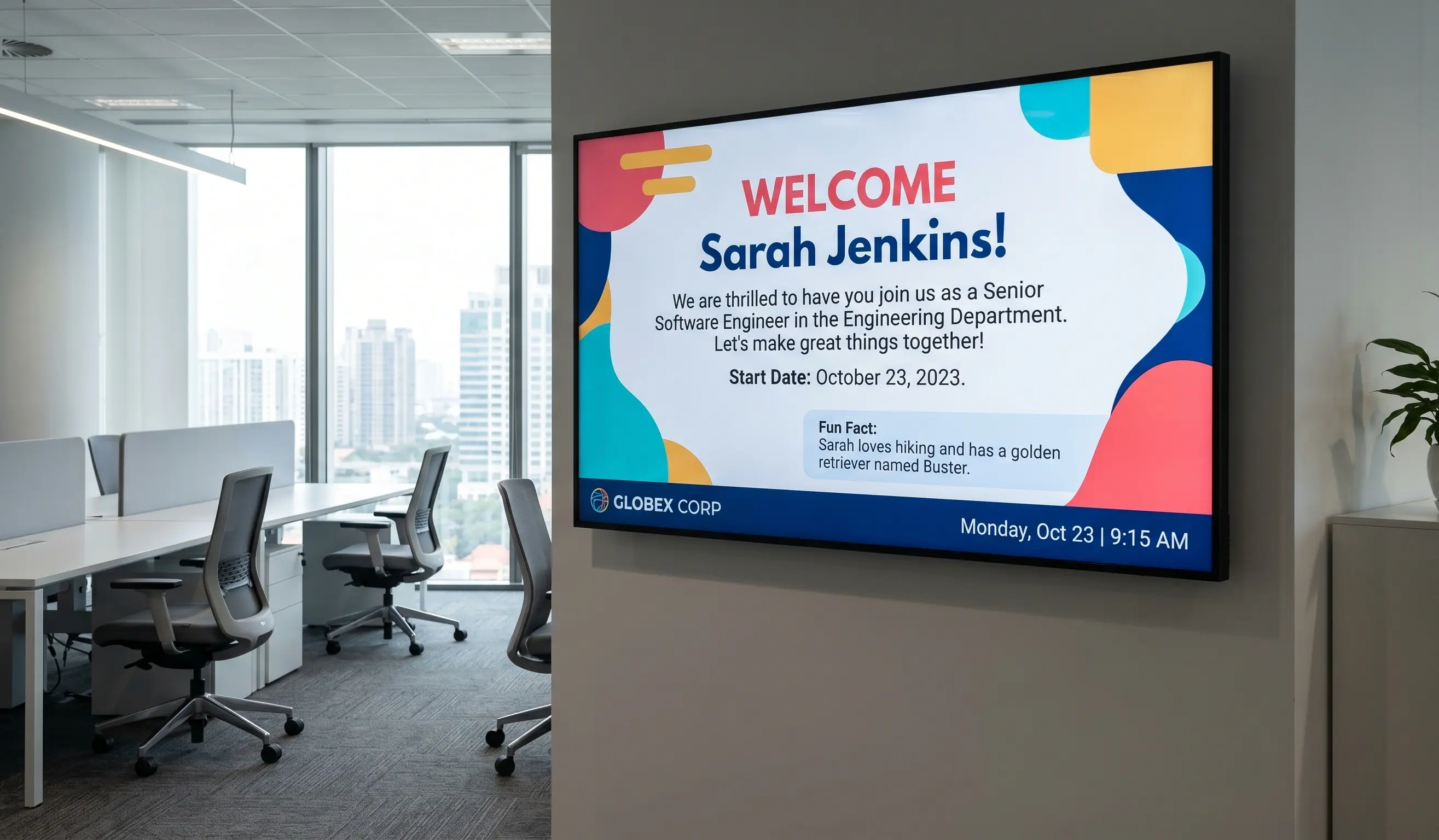
Internal Communications Digital Signage: Strategy, Content Ideas & Examples (2026)
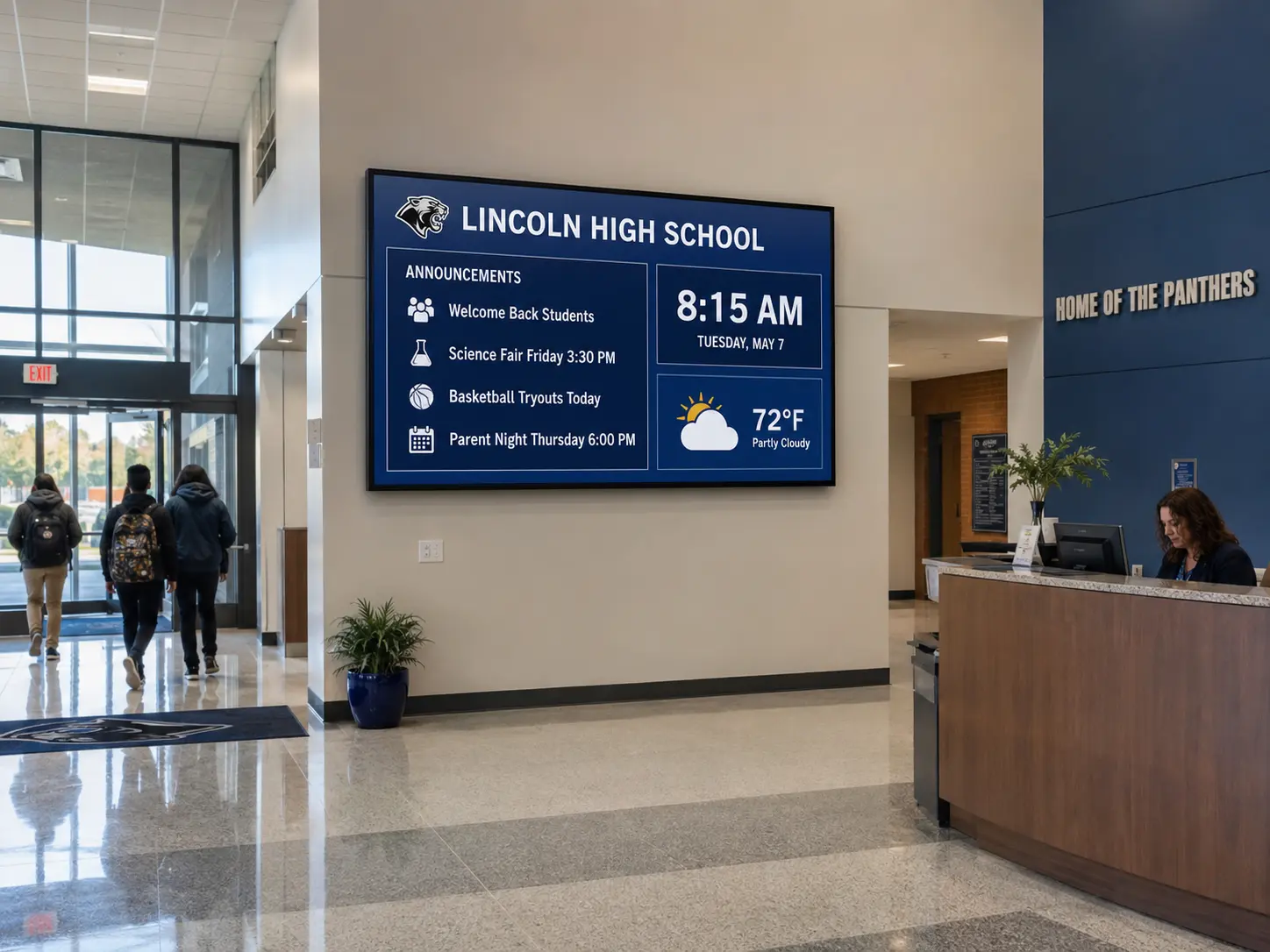
6 Best Digital Signage Software for Education in 2026 (Compared)