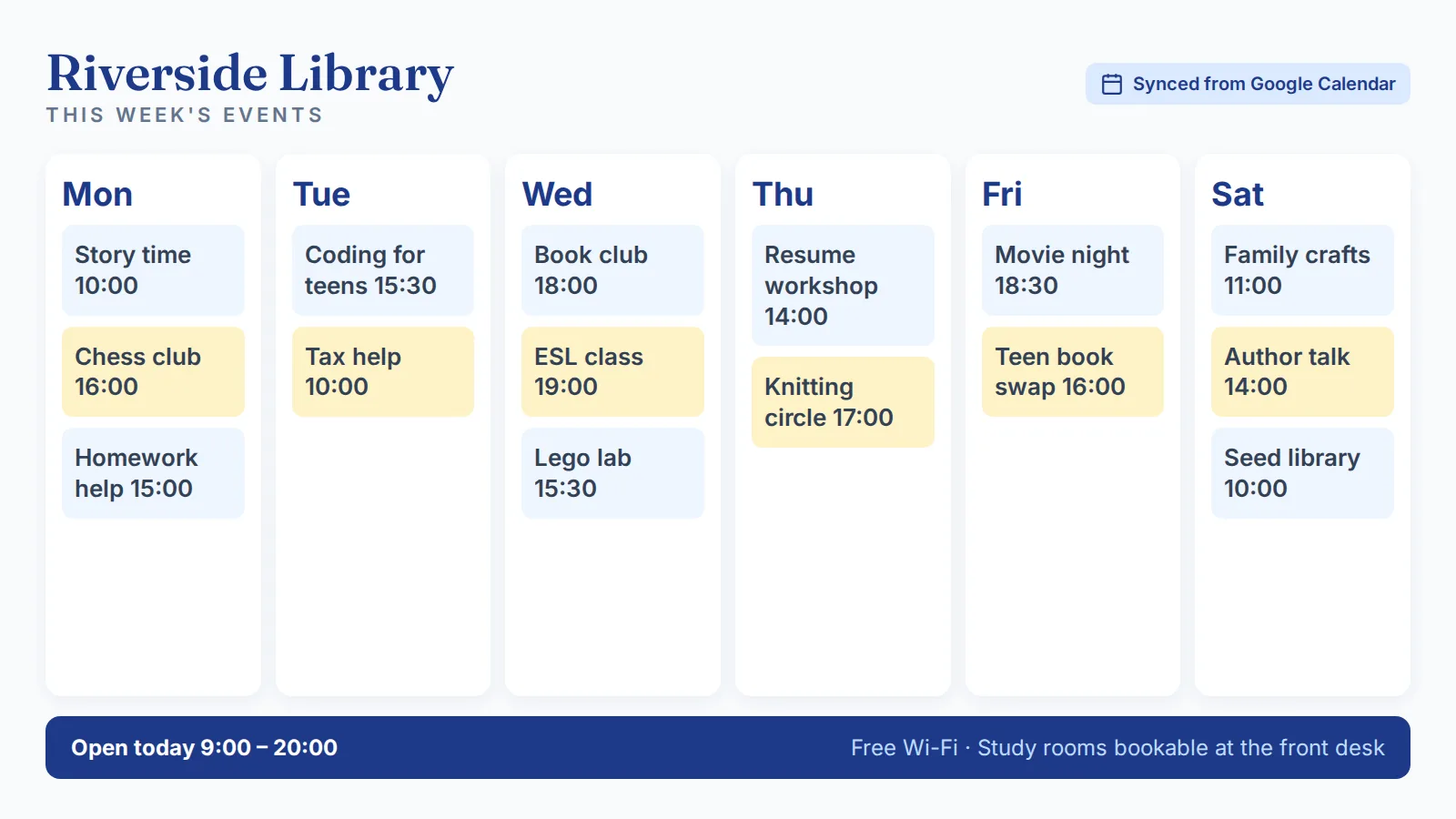
Cork boards have one job: tell people something. They fail at it the moment the message changes. A flyer goes up, the printer is out of toner, the maintenance schedule shifts a week later, and the board becomes a layered archive of stale paper that nobody reads.
Digital bulletin board software is the replacement. Same job – broadcast information to anyone walking past a screen – done in seconds instead of weeks, with audit logs of who changed what and the ability to push the same message to fifty locations at once. The hardware is a TV most offices and schools already own. The software runs in a browser. The biggest change is operational: a comms lead, an HR coordinator, or a school principal can ship a message in 30 seconds without leaving their desk.
What is digital bulletin board software?
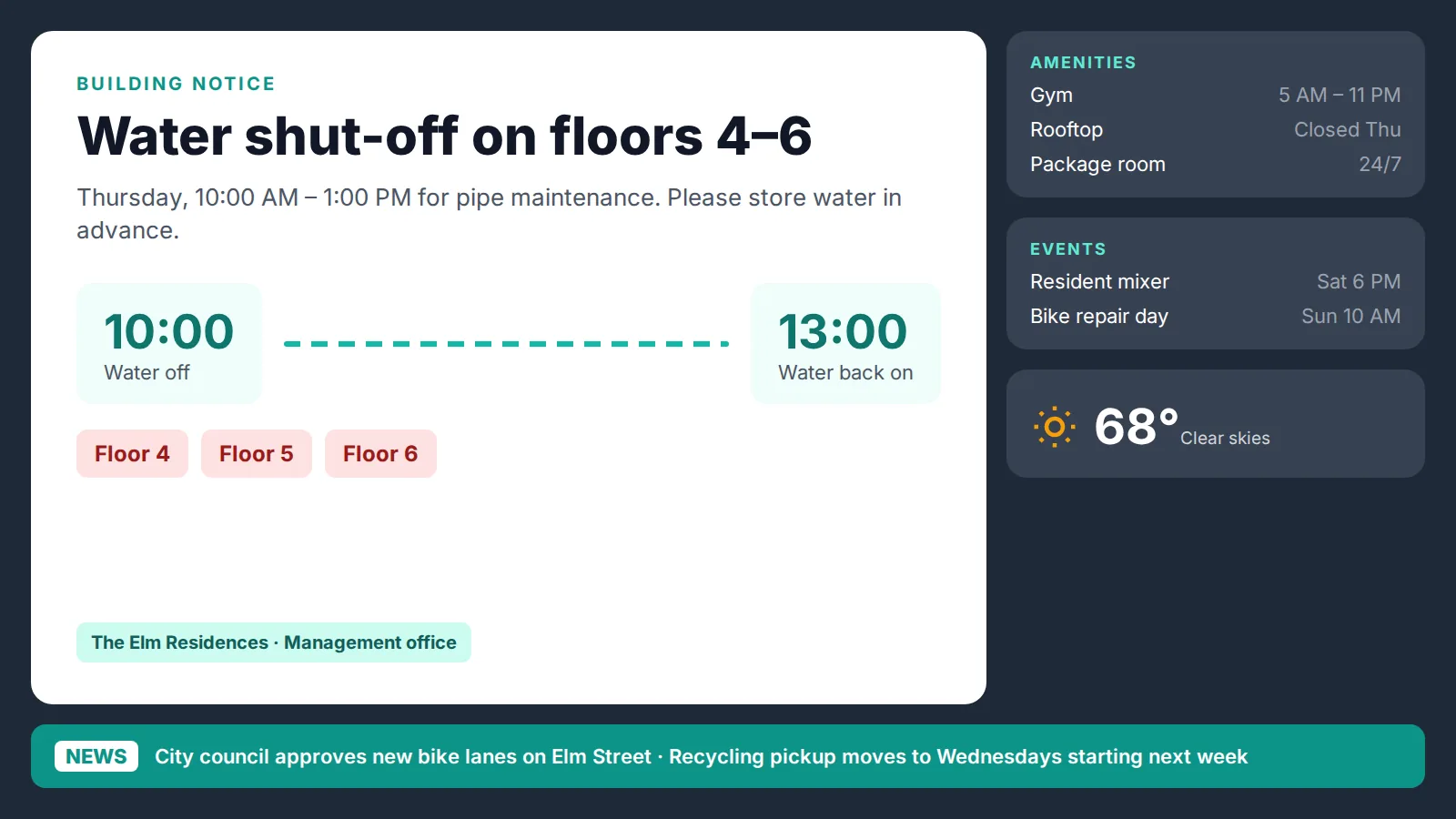
Digital bulletin board software is a content management system designed to display rotating messages, announcements, schedules, and live data on TVs and commercial displays. It replaces the physical bulletin board entirely. Instead of pinning paper, you create content in a web dashboard and publish it to one or more screens.
The category sits inside the broader digital signage market, but the bulletin board use case is narrower and more familiar to people who have never managed a screen before. The buyer is usually an office manager, school principal, HR coordinator, or facilities lead – not a marketing team. For multi-screen lobby and hallway deployments, organizations often expand into the broader digital display board software category from the same dashboard.
What separates digital bulletin board software from a slideshow running off a USB stick:
What is not on a digital bulletin board, despite what some vendors claim, is interactivity. A digital bulletin board is broadcast media. If you need touch input, two-way interaction, or wayfinding kiosks, that is a different product category. The bulletin board itself is one-direction by design – and that is exactly what makes it cheap, fast, and reliable.
The hardware is whatever TV is already on the wall. The software is a $7-to-$10-per-screen monthly subscription. The rest is content.
Why are organizations replacing cork boards with digital bulletin boards?

Three reasons drive the switch, and none of them are about looking modern.
The first is speed. A cork board update takes 20 minutes – design the flyer, print it, walk it to the board, take down the old one, pin the new one. A digital bulletin board update takes under 60 seconds. The same change can hit one screen or 200 with the same effort. For a school district running 40 buildings or a corporate office with 12 floors, the labor math alone justifies the switch inside a quarter.
The second is content control. Paper bulletin boards have no audit trail. Anyone can pin anything. By the time the wrong message is noticed, hundreds of people have seen it. Digital bulletin board software adds role-based permissions and audit logs – Kitcast includes both starting at $10/screen/month on the Pro plan. Compliance teams, IT departments, and school administrators rely on this to keep messaging accurate and traceable.
The third is attention. Static paper struggles to compete with phones. A 55-inch TV running motion graphics, video, or rotating content captures attention in a way a printed flyer does not. Studies from the Digital Signage Federation and academic research consistently show meaningfully higher recall for digital displays versus static print, with the gap widening in higher-dwell-time environments like waiting rooms and cafeterias.
Secondary drivers – printing costs eliminated, ADA-compliant text sizing, multilingual rotation, instant emergency alerts – usually surface during procurement but rarely close the deal on their own. The deal closes when the comms team realizes they get their afternoon back.
Cork boards still have one advantage: nothing to update, nothing to break. For a six-person office with one announcement a quarter, the cork board wins. For everyone else, the digital version pays for itself within months.
How does digital bulletin board software work?
The architecture is simple. A small app – installed on an Apple TV, a Fire TV stick, an Android device, a BrightSign player, or a Samsung Tizen / LG WebOS smart TV – runs on the screen. The app pulls content from a cloud dashboard over the internet. The user updates the dashboard from a laptop. The screen reflects the change within seconds.
A typical setup workflow looks like this:
Content options break into three groups. The first is static media: images, PDFs, MP4s, and screenshots of slides. The second is dynamic widgets: weather, calendars, RSS feeds, social media walls, sports scores, web URLs, and live dashboards (Power BI, Tableau, Google Data Studio). The third is alerts: emergency overrides that interrupt scheduled content with critical information.
Most digital bulletin board software runs fully cloud-based, which means content updates instantly and the device falls back to a cached copy if the network drops. Kitcast caches everything locally and keeps playing through outages – important for school hallways and corporate offices that lose connectivity for half a day every few months.
What hardware do you need to run a digital bulletin board?

The hardware bill is shorter than people expect. Three categories: a screen, a media player, and a mount.
Screen. Any TV with an HDMI input works. Commercial displays from Samsung, LG, NEC, or Sharp are rated for 16- or 24-hour daily operation and last longer than consumer TVs in heavy-use environments. Consumer TVs (a $400 65-inch from Costco) work fine for 8-to-10-hour days and cost a third of commercial models. Most schools and small offices start with consumer TVs.
Media player. This is the device that runs the bulletin board software. Four common options:
Mount. A standard VESA wall mount, $20-$60 depending on size. Tilt or fixed, doesn't matter – a bulletin board is passive viewing.
The full per-screen hardware bill for a typical office bulletin board: $400 TV + $129 Apple TV + $40 mount + $7-$10/screen/month software. That is roughly $570 upfront and $10 monthly. For comparison, a high-quality 4 ft x 6 ft cork board costs $200-$400 and consumes 4-8 hours of staff time per month for updates and reprints.
Where do digital bulletin boards work best?
Five environments dominate digital bulletin board deployments. Each has a slightly different content mix.
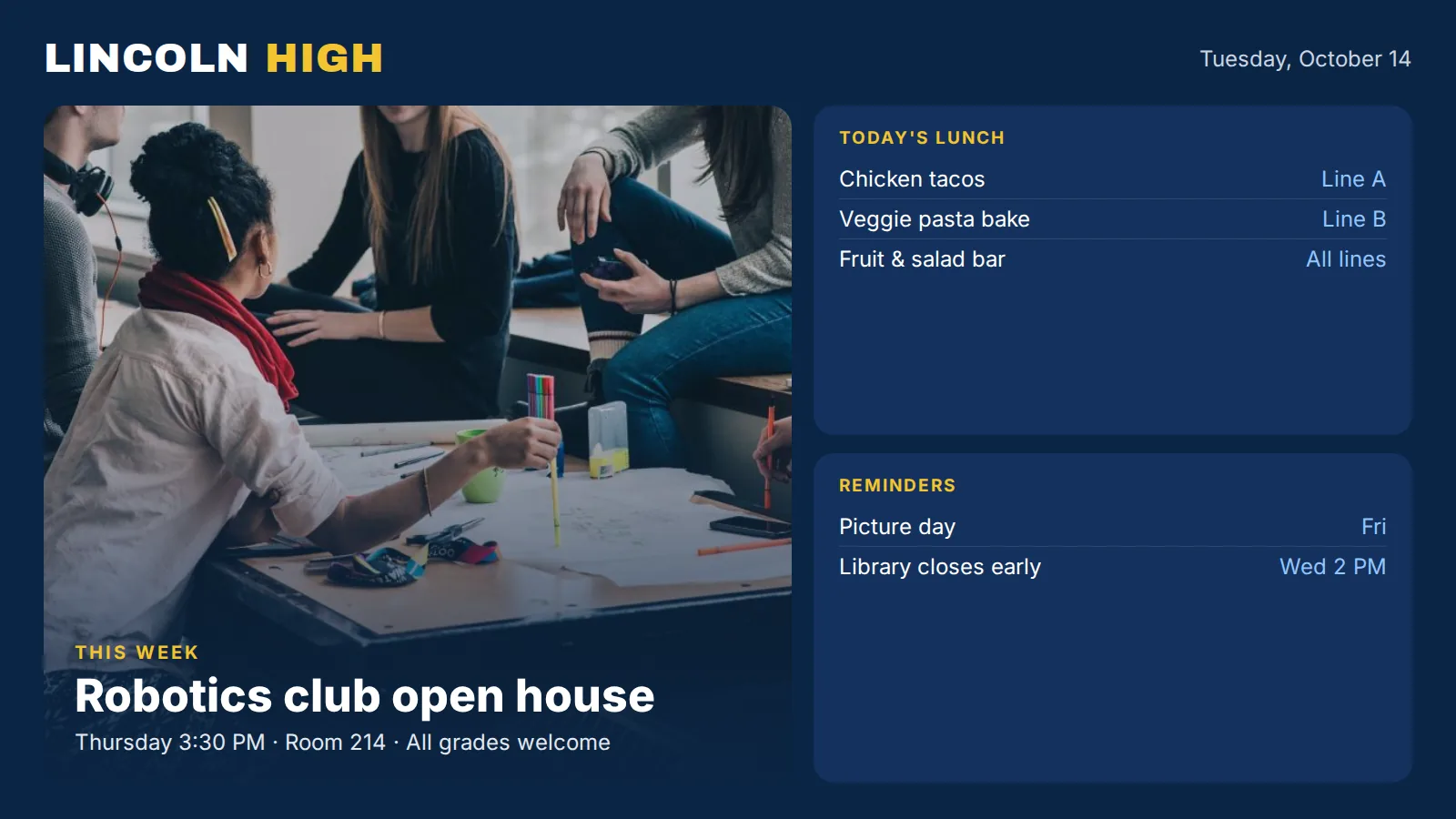
Schools and universities. Cafeteria menus, sports schedules, lost-and-found, club announcements, weather closures, daily schedule changes. Most schools start with a single board in the main hallway and expand across cafeterias, gymnasiums, and faculty lounges. The full segment playbook lives on digital signage for schools and universities. Penn State, UPenn, and Princeton all run Kitcast across campus.
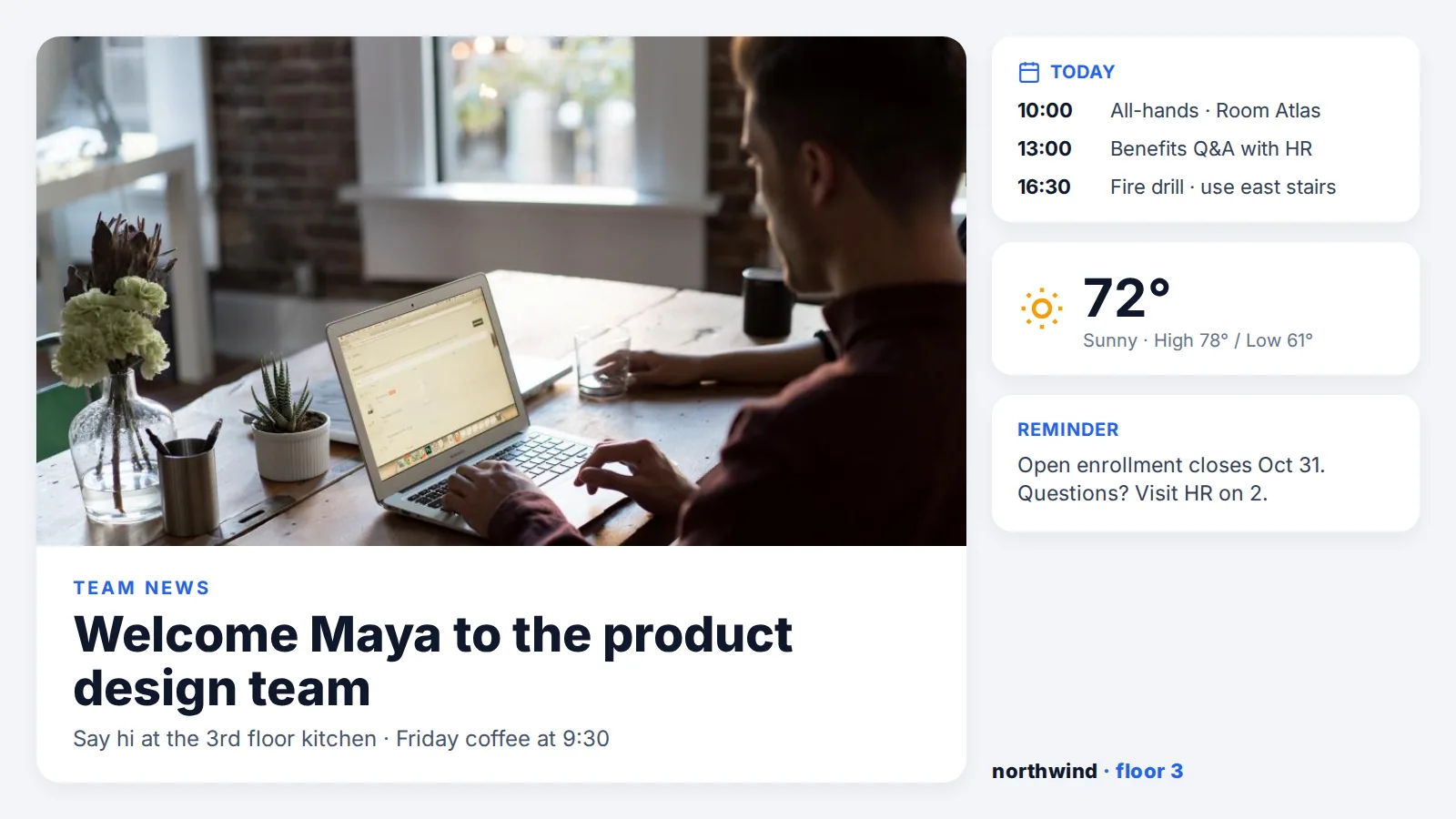
Corporate offices. KPI dashboards, employee onboarding messages, conference room schedules, internal news, recognition. The breakroom and elevator lobby are the highest-impact placements. The corporate use case overlaps significantly with corporate internal communications signage. Disney, The New York Times, and McLaren publish through Kitcast.
Healthcare. Waiting room patient education, wait-time displays, wellness tips, hospital wayfinding. Privacy and HIPAA rules limit what can be displayed, not the underlying technology. Most healthcare bulletin boards are read-only and silent – captions instead of audio.
Government and public sector. Court schedules, DMV queue updates, public notices, emergency alerts. Government buyers usually require SSO, SCIM, audit logs, and FedRAMP-adjacent security – included in Kitcast Pro at $10/screen/month.
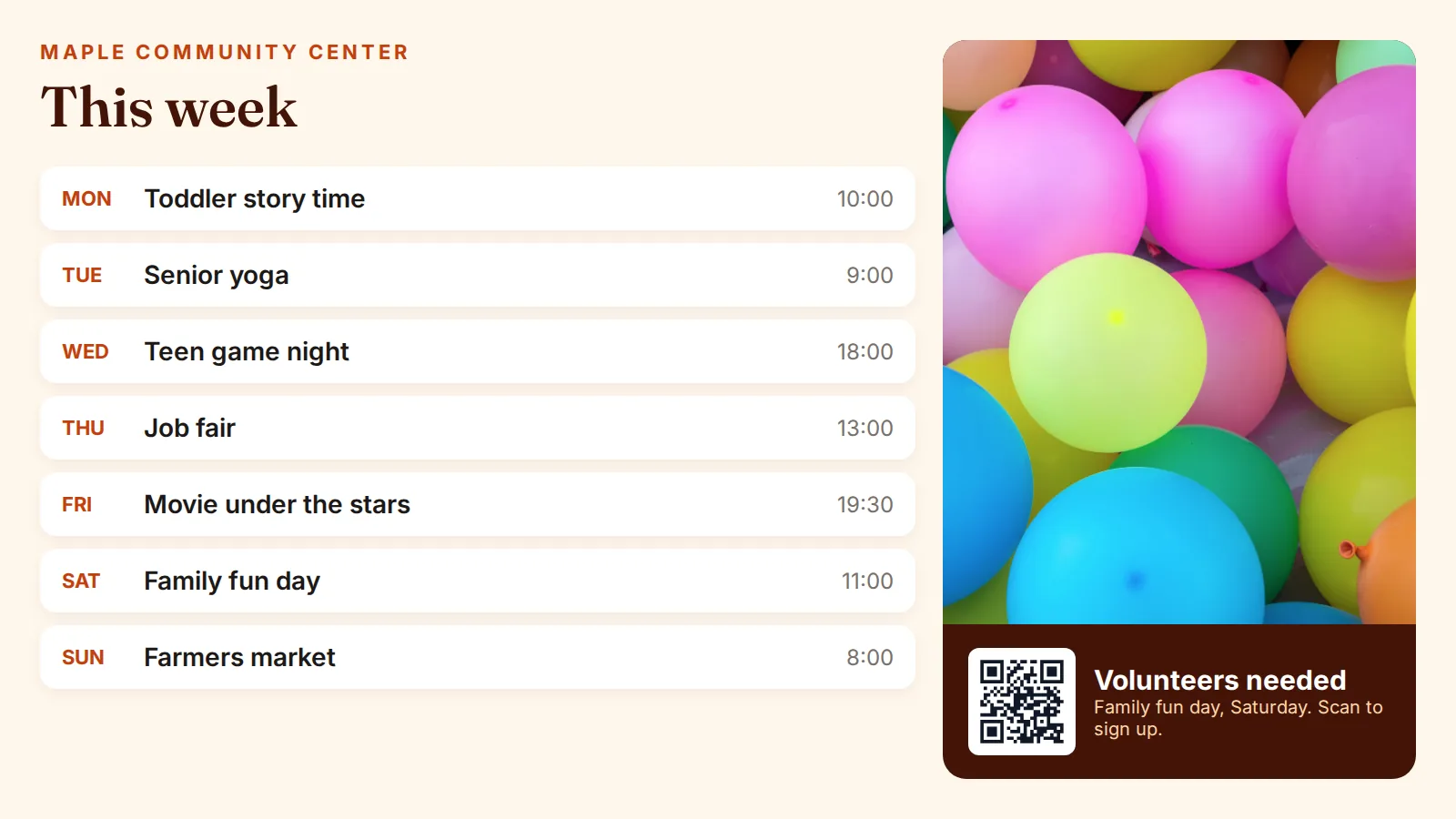
Gyms, churches, retail, restaurants. Class schedules, sermon series, daily specials, promotions. These are smaller deployments – often one to five screens per location – that multiply across chains. Equinox, Cider Press Cafe, and Every Nation Church all use digital bulletin boards in this configuration.
What ties all five together is the same job: replace paper, broadcast updates fast, and keep one team in control of what shows up on screen.
How much does digital bulletin board software cost?


Total cost of ownership breaks into three line items: software, hardware, and labor.
Software. The market ranges from $0 (Yodeck's free tier for one screen) to $50+ per screen per month (enterprise platforms with custom integrations). Kitcast sits at the value end: $7/screen/month for the Starter plan and $10/screen/month for Pro, which adds SSO, SCIM, audit logs, and API access. For most bulletin board use cases, Starter is enough.
Hardware. Roughly $500-$600 per screen for TV + media player + mount, one-time. Smart-TV deployments skip the media player and run closer to $400. Commercial signage screens at $1,200-$2,500 raise the bill significantly but are only required for environments that demand 24/7 operation or extreme brightness (storefront windows, outdoor-facing displays).
Labor. The line item most underestimated. A cork board absorbs roughly 4-8 hours of staff time per month per board across design, printing, and physical posting. A digital bulletin board absorbs 30-60 minutes per month, mostly content creation. Across a 10-screen deployment, that is 40-70 staff hours per month saved – close to a half-FTE.
Annual TCO for a 10-screen digital bulletin board deployment on Kitcast Starter:
Year-one outlay lands around $6,500. Year two and beyond drop to $840 in software plus minimal staff time. Most organizations break even versus cork boards inside the first six months.
Frequently Asked Questions
What is digital bulletin board software?
Digital bulletin board software is a cloud-based application that lets you publish text, images, video, web pages, and live widgets to TVs or commercial displays from a browser. It replaces physical cork or whiteboard bulletin boards with screens that update remotely and on a schedule.
Can I use a regular TV as a digital bulletin board?
Yes. Any TV with an HDMI input works. Pair it with a small media player like an Apple TV 4K or Amazon Fire TV Stick, install the bulletin board app, and you are live. Smart TVs running Samsung Tizen or LG WebOS can run the app directly without an external player.
How quickly can I update a digital bulletin board?
Under 60 seconds end-to-end. Edit content in the dashboard, hit publish, and the screen reflects the change within a few seconds over a normal internet connection. Emergency alerts can be pushed instantly and override scheduled content.
Do digital bulletin boards work without internet?
Yes, with caveats. Kitcast and most modern platforms cache all scheduled content locally on the media player. If the internet drops, the screen keeps playing the last synced content. You lose the ability to push new updates until the connection is restored.
Can multiple people manage the same digital bulletin board?
Yes. Role-based access controls let you assign editors, approvers, and viewers. A school principal can publish district-wide announcements while a teacher manages only the classroom hallway screen. Audit logs track every change.
What can I display on a digital bulletin board?
Images, video, PDFs, web pages, live dashboards (Power BI, Tableau, Google Data Studio), social media feeds, weather, calendars, RSS feeds, sports scores, custom HTML, and emergency alerts. Most platforms offer drag-and-drop templates and Canva integration so non-designers can build content.
How is a digital bulletin board different from digital signage?
Digital bulletin board is a use case within digital signage. The term usually means an internal, informational, one-direction display – replacing a cork board. Digital signage is the broader category and includes menu boards, wayfinding, retail promotions, and outdoor advertising.
Are digital bulletin boards a good fit for schools?
Yes. Schools are the largest single segment for digital bulletin boards. Common placements include the main hallway, cafeteria, gym, faculty lounge, and front office. Apple TV is the standard hardware because most schools already manage Apple devices through MDM and qualify for education pricing.
Can I schedule different messages at different times of day?
Yes. Time-based scheduling is core to every digital bulletin board platform. Common examples: lunch menus from 10:00 a.m. to 1:00 p.m., after-school program reminders from 2:00 p.m. to 4:00 p.m., evening event slides after 5:00 p.m. Day-of-week scheduling, date ranges, and recurring rules are all supported in Kitcast.
How much does digital bulletin board software cost?
Plans range from free (one-screen tiers from Yodeck and others) to $50+/screen/month for enterprise platforms. Kitcast costs $7/screen/month for Starter and $10/screen/month for Pro. Hardware adds roughly $500-$600 per screen one-time for a TV, media player, and mount.
Get started
A digital bulletin board is the cheapest, fastest upgrade most organizations can make to internal communications. The software runs $7 to $10 per screen per month. The hardware is a TV already on the wall plus a media player under $130. Setup takes an afternoon. The first message goes live in under five minutes.
The cork board has been the default for 50 years because nothing better existed at the right price. That is no longer true. Start a free Kitcast trial, or see full pricing. No credit card required. Setup in minutes.