Digital signage for schools is a technology that will take your venue to the future and make the lives of students easier. Turn to screen technology right now and benefit from the many advantages of displays.
Being at school is one of the best moments in life. It is full of learning, networking, meeting new people, and achieving goals. Every parent wants a memorable and great studying experience for their children. However, often schools and universities are stuck in the past and this fact can make an overall impression worse. As young people nowadays can’t imagine their lives without their gadgets, it’s time for the schools and universities to level up their technological side and deliver a futuristic education with the help of solutions of the new kind.
Implementing digital signage software for schools
Why should your school do it? The answer is pretty simple: digital signage is one of the most effective ways to digitize your educational venue and there are many options on the market that can fit your needs. There is a general misconception among IT departments that digital signage for schools is hard to implement and takes a lot of time, effort and money. While it may have been a case in 2009, today the options have changed completely and it has never been easier.
Let’s have a look at the different types of digital signage solutions for schools. There are two main ones:
- Hardware digital signage
- Software digital signage
The first is increasingly becoming a thing of the past with its complexity, countless wires, days to install, needing to have additional equipment. The hardware digital signage is a rudiment of an era when cloud solutions haven’t been yet on the rise and the internet wasn’t as widespread as it is now. Of course, there is a big chunk of the market reserved for it and it may be a solution of choice for many big-sized businesses but the main problem here is that it is complicated.
On the other hand, software digital signage is a so-called new school. It’s very easy to implement, requires only a screen, an Apple TV (or the other entertainment device), and an app installed. The whole process takes minutes to set up and the content can be shown straight away. Sounds great, right? And it surely is. For the hallway and cafeteria announcement-board use case specifically, see our electronic bulletin board software guide.
Our solution, Kitcast is proud to be in this league and we believe in powerful simplicity. It’s when digital signage can fulfil all the client goals while being intuitive and super easy-to-use.
Marketing done right
Every school and university has a marketing department, this part is vital to attract new students, compete on the tight educational market and make sure that the institution stays afloat during these turbulent times. Now, digital signage software for school is the magic wand that makes marketing better. It gives the power to show the best content and to revolutionize the ways it is distributed.
Also, it’s finally time to forget about everything paper-based. Just calculate how much money your organization spends on paper and printing annually and you’ll be impressed with numbers. Digital signage for schools not only makes marketing more effective, it also saves you tons of money.
The screens installed around the campuses are a perfect medium to show content that works best for you. Level up your branding, promote special offers in the canteen, run ads about your social media channels, announce new programs. Make the most out of the highly interactive character of the displays.
Get the message through
One of the main benefits of digital signage for schools is its speed and ability to deliver information at the right time and in the right place. This is essential in schools and universities where various types of announcements are an integral part of the study process. Install screens where people are looking and start showing content.
As we’re going through the pandemic, there is a strong need for clear safety messages. Schools and universities are one of the first victims of lockdowns and once the restrictions are lifted it’s very important to make sure the students are safe inside and all the social distancing norms are fulfilled. That’s when digital signage for schools comes into play. Show public health information, make visuals that call for social distancing, inform students about current developments of the coronavirus fight.
If you have a labyrinth of passages and halls, it will be a great idea to use the displays for wayfinding. No more missed auditoriums and confused first-year students looking for a hall, the screens are able to provide a clear and effective message.
Ultimate engagement tool
Great schools and universities care about their students. Digital signage can make caring easier and more intuitive. As screen technology is an interactive tool, you can use displays as a means of communication with your students. Ask them for feedback, run motivational flyers, recognize the best ones, make sure that you understand what they are passionate about at your school.
Another great benefit of the screens comes in connection with the social media part. With digital signage, it is easier to promote your channels. You can ask students to subscribe, run different hashtag-based competitions, collect user-generated content, run different social media-based games. This activity will help you to constantly engage with your students and show them that you’re on the same page when it comes to technology.
Instead of spending money on advertising online, you can work with existing and potential students to make them follow your social media profiles and spread the word. Digital signage for schools allows you to promote more efficiently using the tools your students love and understand. Screens work great when it comes to displaying your account names, including call-to-actions and promoting the hashtags.
Another great engagement advantage of school digital signage is the power to gather feedback. In schools and universities, it is crucial to constantly monitor to levels of satisfaction of the students. By showing you care you're increasing the trust. And trust brings loyal clients. The screens work great for asking questions and digital means can help you gather answers quickly.
Finally, signage technology is very adaptable and you can experiment with different ways to engage without needing to stick to only one approach. This gives you a chance to spend your marketing budget wisely and get much more on your investment.
FAQ
Is digital signage for schools expensive?
The answer depends on the number of screens you’d like to install and your content goals. There are many digital signage solutions on the market right now, and it’s easy to choose the one that works best for your school.
How to make digital signage templates? Do I have to design them myself?
Don’t worry about design, Kitcast has figured it all out for you. Our state-of-art digital signage software has a variety of templates to choose from that can satisfy almost all the current marketing needs.
Can I install outdoor digital signage at my school?
Sure, with Kitcast you only need a screen and an Apple TV to start running beautiful content. The outdoors is done as easily as indoors and after a quick installation process, you will be good to go.
Best Free Digital Signage Software in 2026: Honest Guide
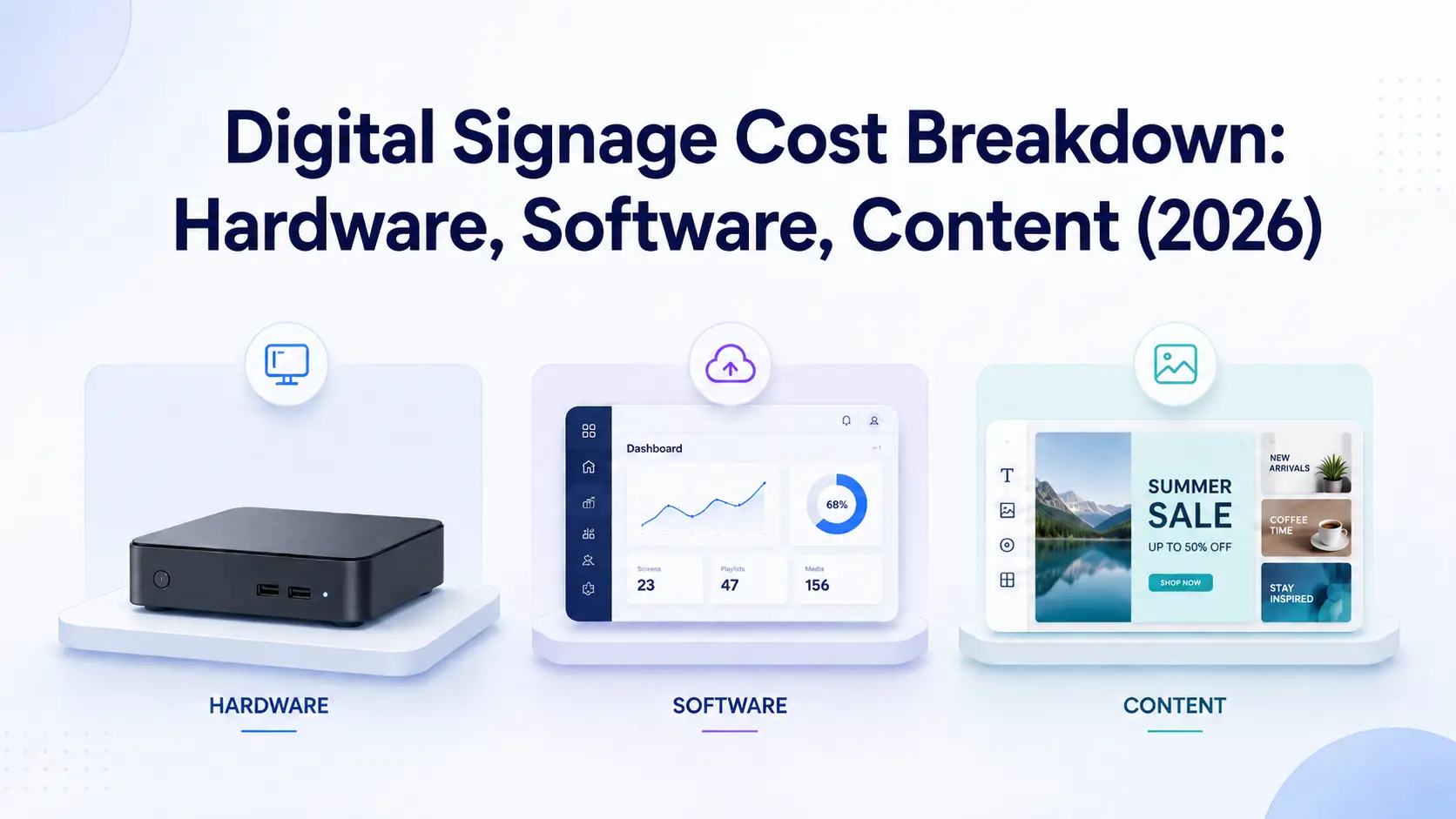
Digital Signage Cost Breakdown: Hardware, Software, Content (2026)