
Microsoft Calendar Integration for Digital Signage
With the Microsoft Calendar integration, you can turn your digital signage into a smart, automated planning tool. Integrate your calendar into digital screens to keep everyone informed about relevant scheduling and events. Make Schedules Highly Visible with Microsoft Calendar Paired with Digital Signage.
Sign up in under a minute.
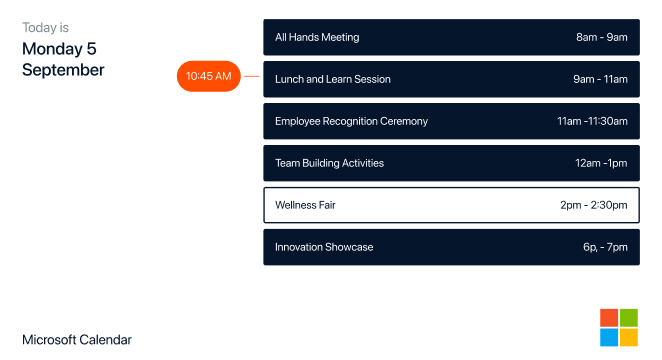
How to Use the Microsoft Calendar Integration on Digital Signage
Choose “Microsoft Calendar” in the integration section after logging in to your Kitcast account.
Connect your Microsoft account to Kitcast by following the prompts.
Configure time settings and choose slide display type (day, week, or month).
Add the integration to the necessary playlists and groups of screens and get it running on your digital displays.

Microsoft Calendar Integration: Features That Enhance Productivity

Simple Integration
Integrating Kitcast’s Microsoft Calendar widget is a straightforward 4-step process that takes a couple of minutes.

Real-Time Synchronization
Automatically syncs with Microsoft Outlook calendars to display up-to-date events and appointments.

Customizable Layouts
Offers flexible zoning options for a calendar appearing on screens in the way that works best for you.

Multiple Calendar Views
Provides different view options, including daily/weekly/monthly layouts, to fit various signage needs.

Multi-Screen Display
Display the same calendar on any number of screens scattered throughout different locations for consistency.

Quick Scalability
If you need more screens to show calendars on, set up even hundreds of them automatically via MDM integration.
Microsoft Calendar Integration: Versatile Use Cases for Every Need
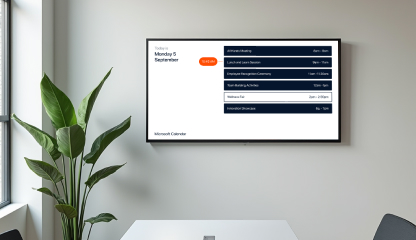
.webp)
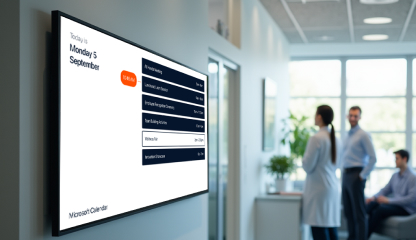
Explore Other Widgets


Frequently Asked Questions
Kitcast’s Microsoft Calendar widget displays events and schedules from your calendar on your digital signage screens. This integration allows users to stay updated about upcoming events, meetings, and important dates.
Yes, you can! Assign the widget to all screens you need, even if you have hundreds of them.
Yes, Kitcast offers customization options for the Microsoft Calendar widget. You can adjust settings such as display duration, slide type, and layout to match your preferences.