
Document App for Digital Signage
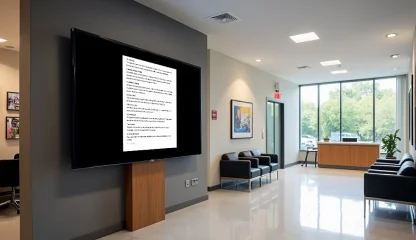
Document app puts text docs, spreadsheets, presentations, or any other types of files where people will actually see them - on screens. Instead of logins, searching, and digging through folders, the latest version of documents is always live and within reach. Keep Key Files in Easy View with the Document App for Digital Signage.
Sign up in under a minute.
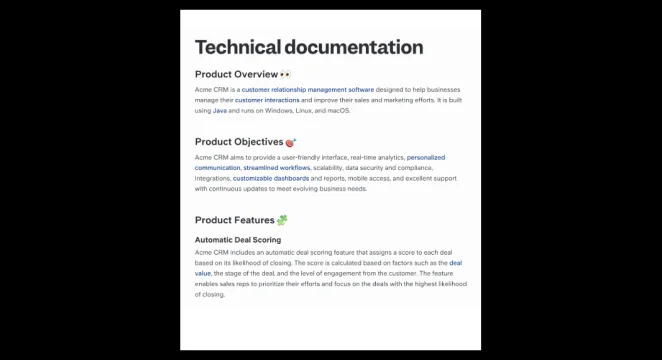
How to Use the Document App on Digital Signage
Enter your Kitcast dashboard, navigate to the app library, and click the “Document” tab.
Upload the necessary documents from Google Drive, Dropbox, your computer, specific groups of screens, or shared storage.
Set the timing for item display and app duration.
Add the document to a playlist and assign it to a specific screen group for display.

Transform Digital Signage with These Document App Features

Real-Time Document Syncing
Automatically sync with your cloud storage, ensuring your files are always up to date.

Customizable Layouts
Choose from the range of layouts to display your documents in the most effective way.

Multi-Format Support
Support of various formats, including docs, sheets, PDFs, and PowerPoint presentations.

Automated Content Scheduling
Schedule when specific documents appear on your screens.

User-Friendly Interface
Use a simple and intuitive interface and add your documents to signage in minutes.

Multi-Screen Support
Show documents across a range of screens in multiple locations.
Leverage the Document App across Industries
.webp)
.webp)
Explore Other Widgets


Frequently Asked Questions
The document widget for digital signage is an opportunity to show any type of document on displays. It's a functional solution for putting files where they will get noticed - on screens that can be placed everywhere.
With Kitcast, the process of adding any widget requires only a couple of clicks. It has an intuitive functionality that allows users to make their documents featured on screens in several simple steps.
For this, you can use the groups of screens feature. Access permissions will vary based on the role you assign. For viewers, this feature also works as you can send documents to specific screens, ensuring only the right people will see sensitive content.
You can use the groups of screens feature to display different documents on specific screens.